The Property Page
The Property Page brings together each listing’s key performance data, pricing insights, and market context in one place.
Opening a property
1
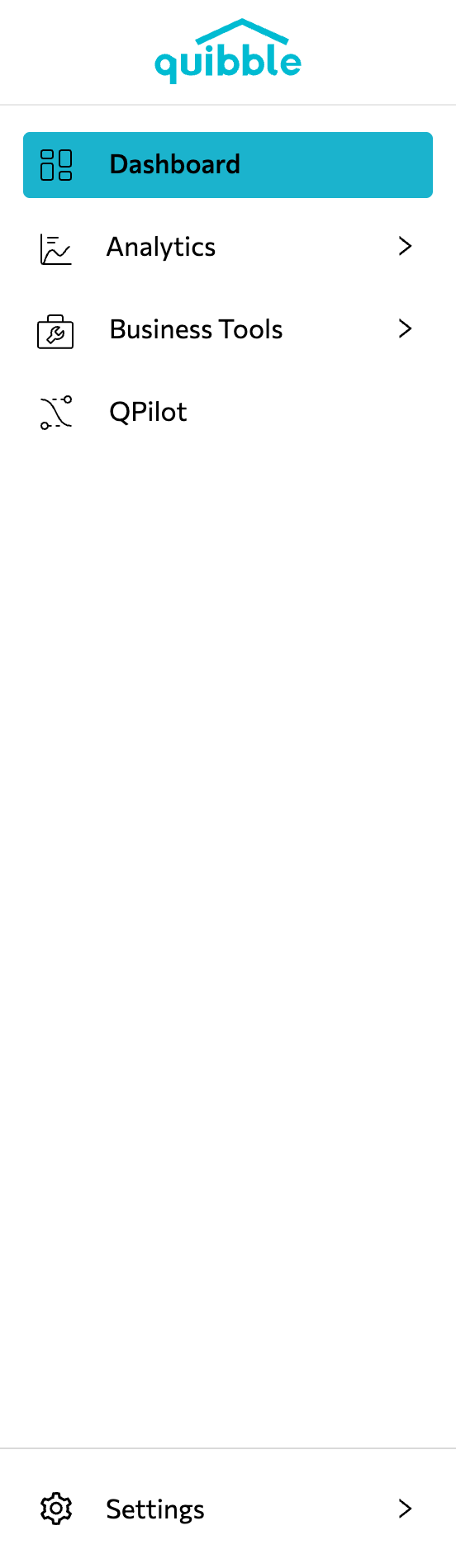
Open the left-side menu bar.
2
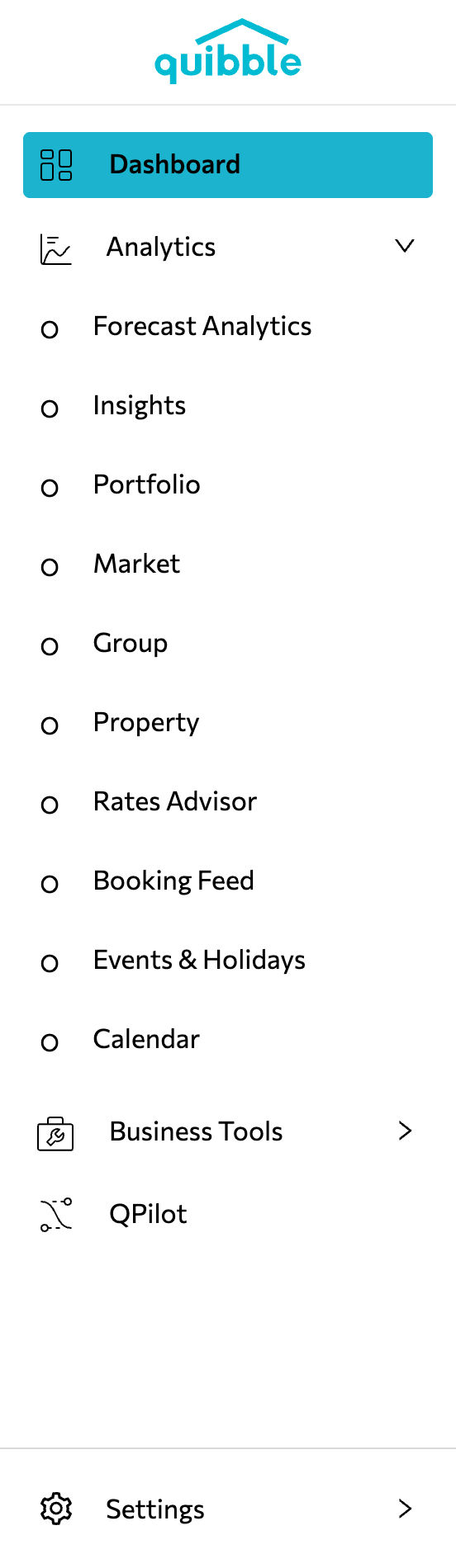
Click the Analytics dropdown and select Property.
3
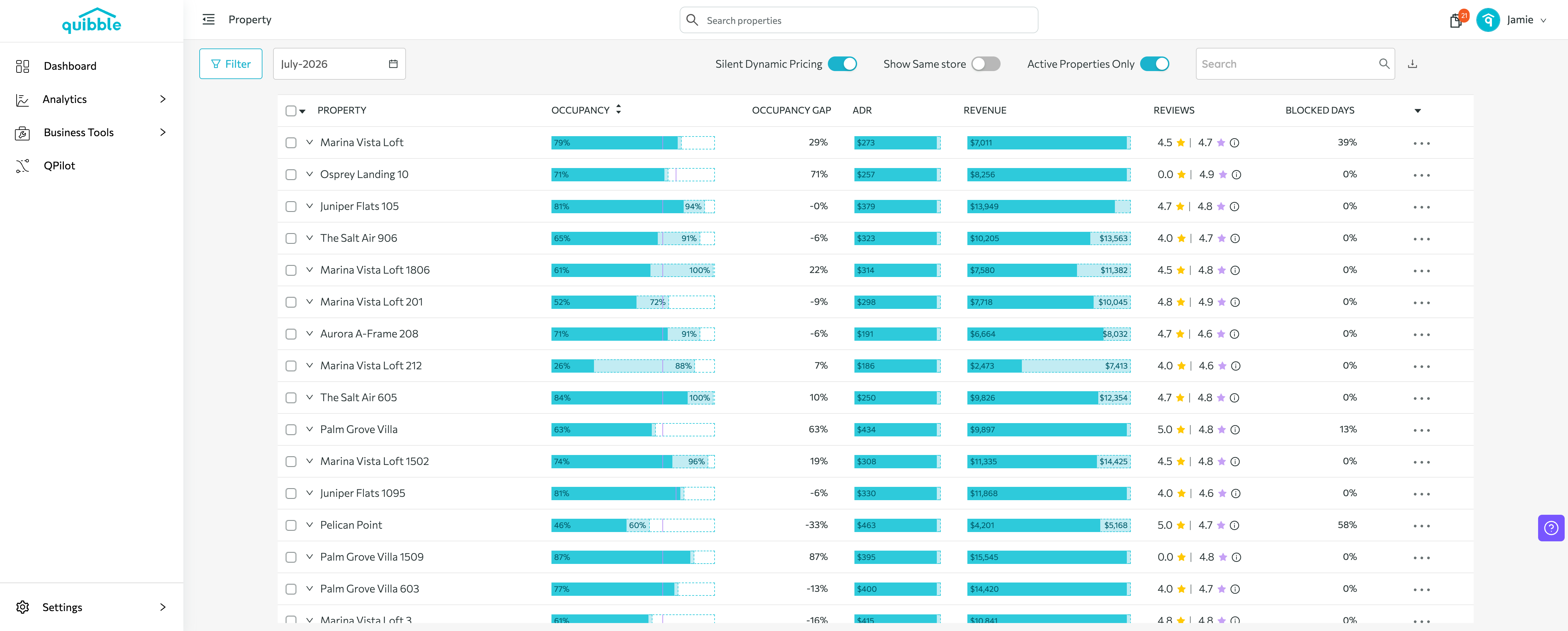
Click a specific property to view its details.
Filtering
1
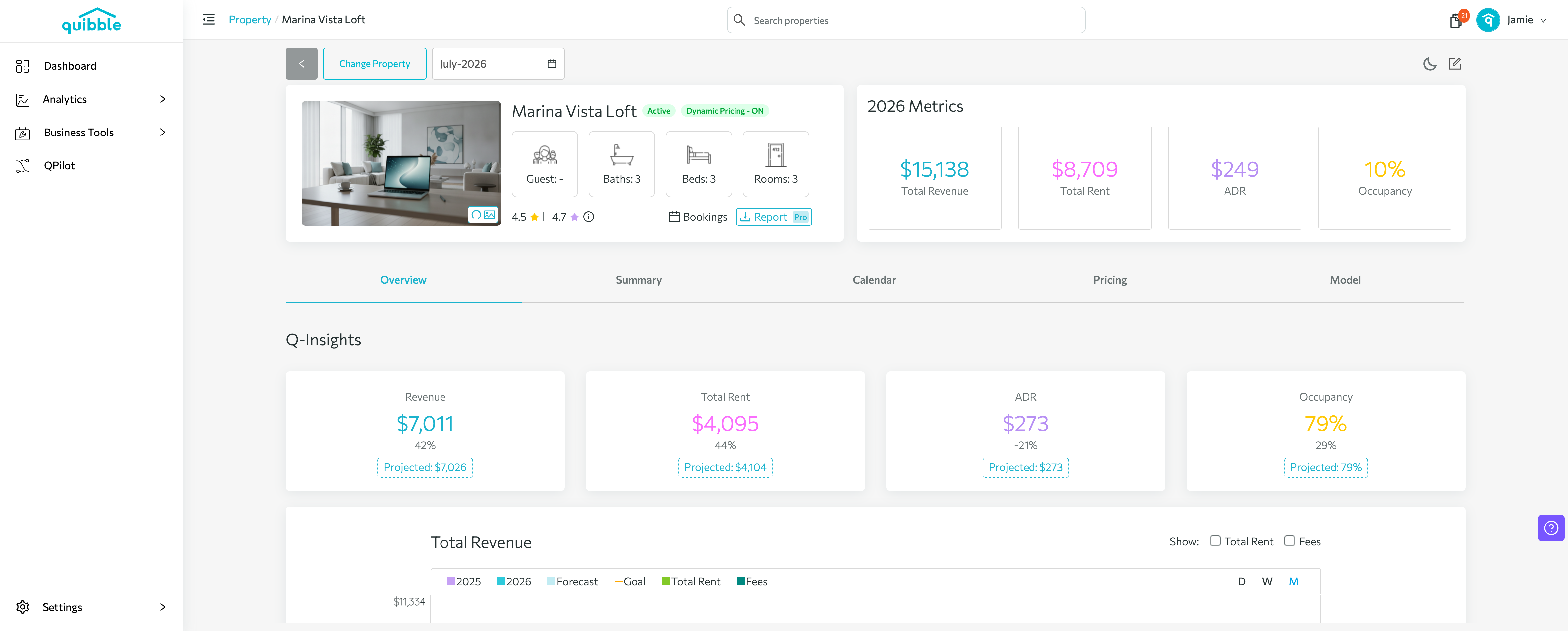
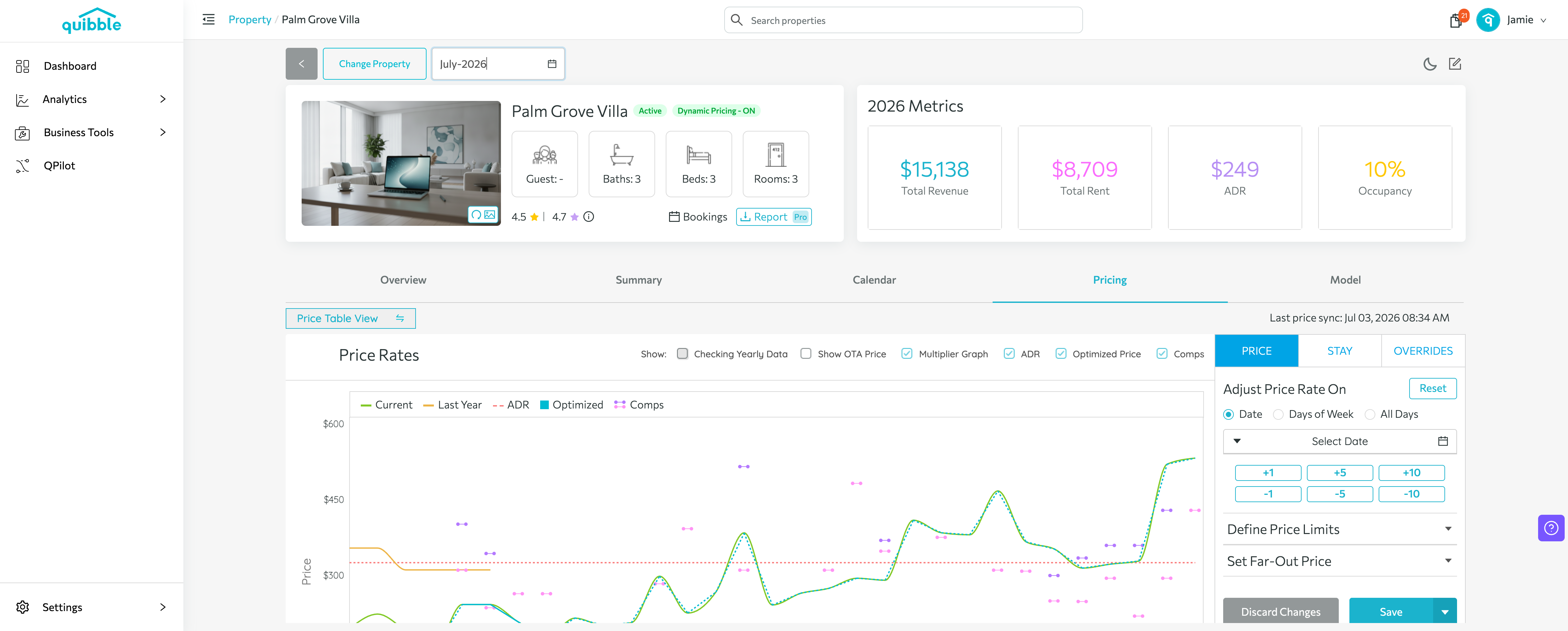
Change Property — switch to a different property from the dropdown.
2
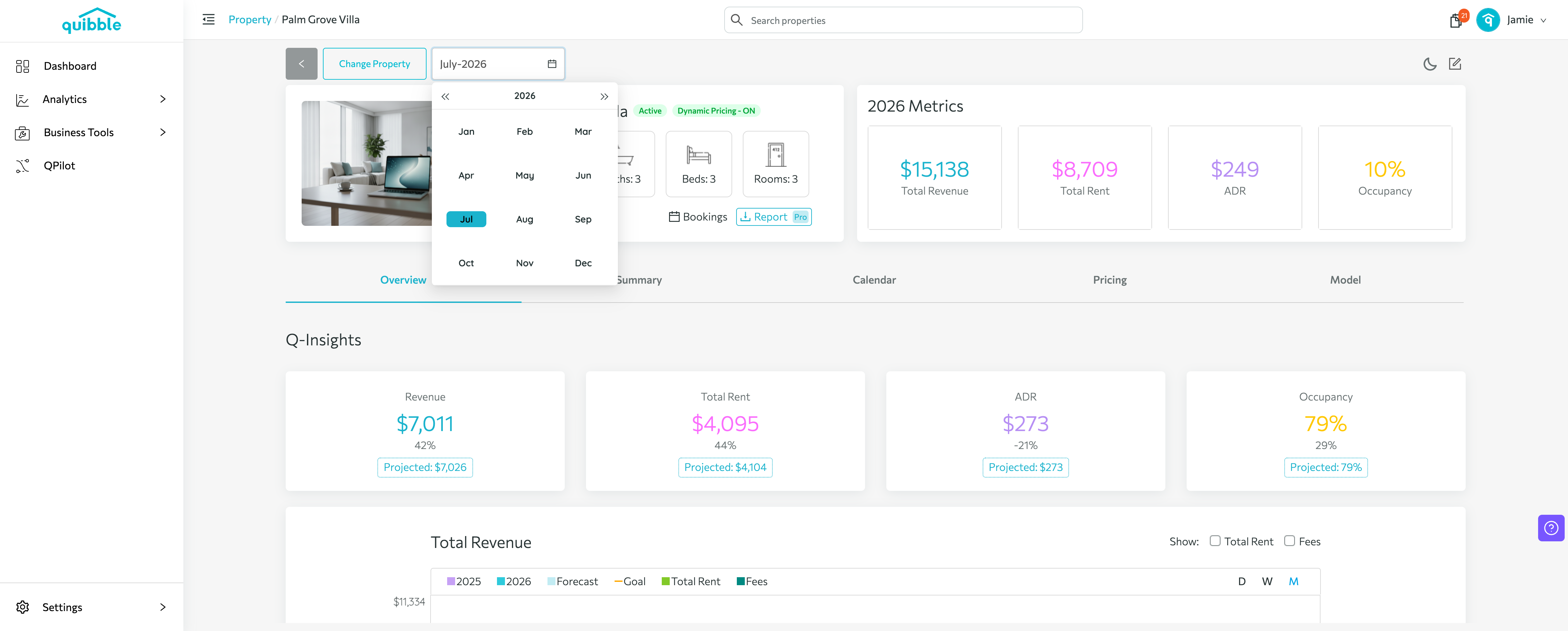
Date selector — defaults to the current month and controls the data shown.
What’s on the page
1
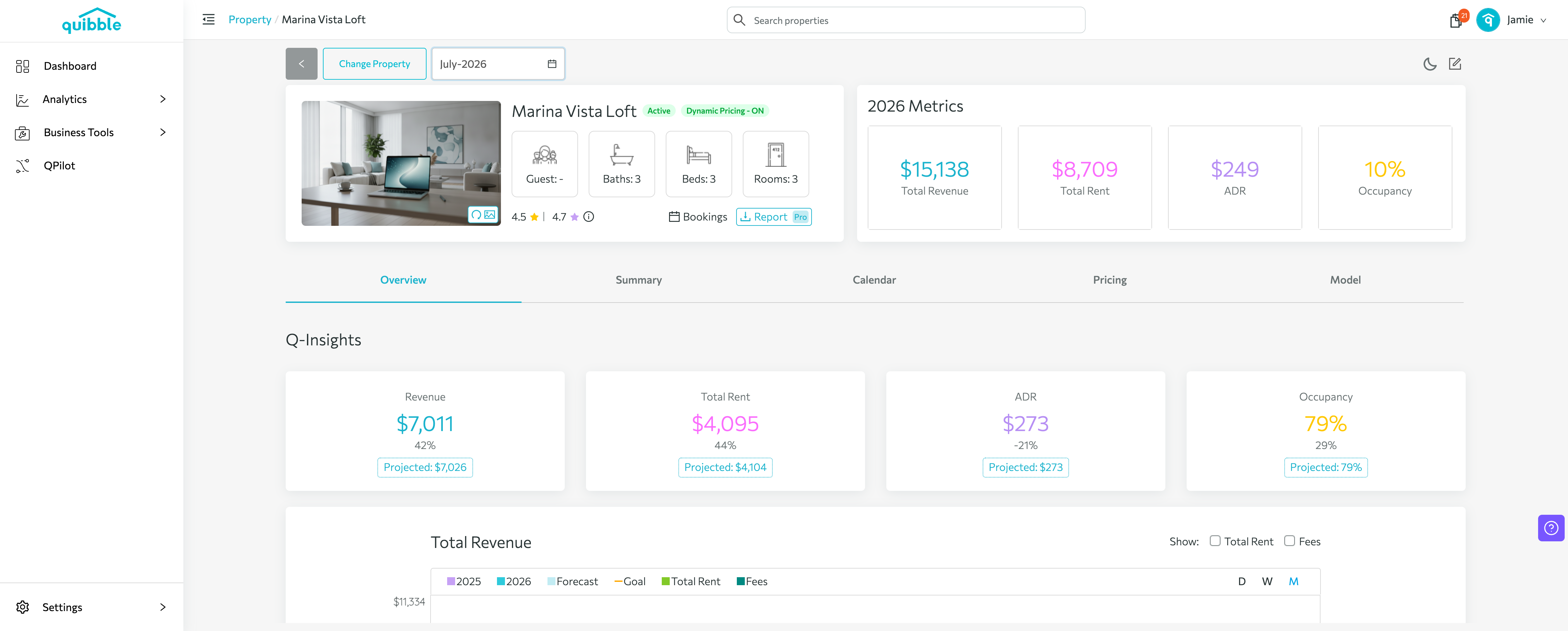
Listing Details.
2
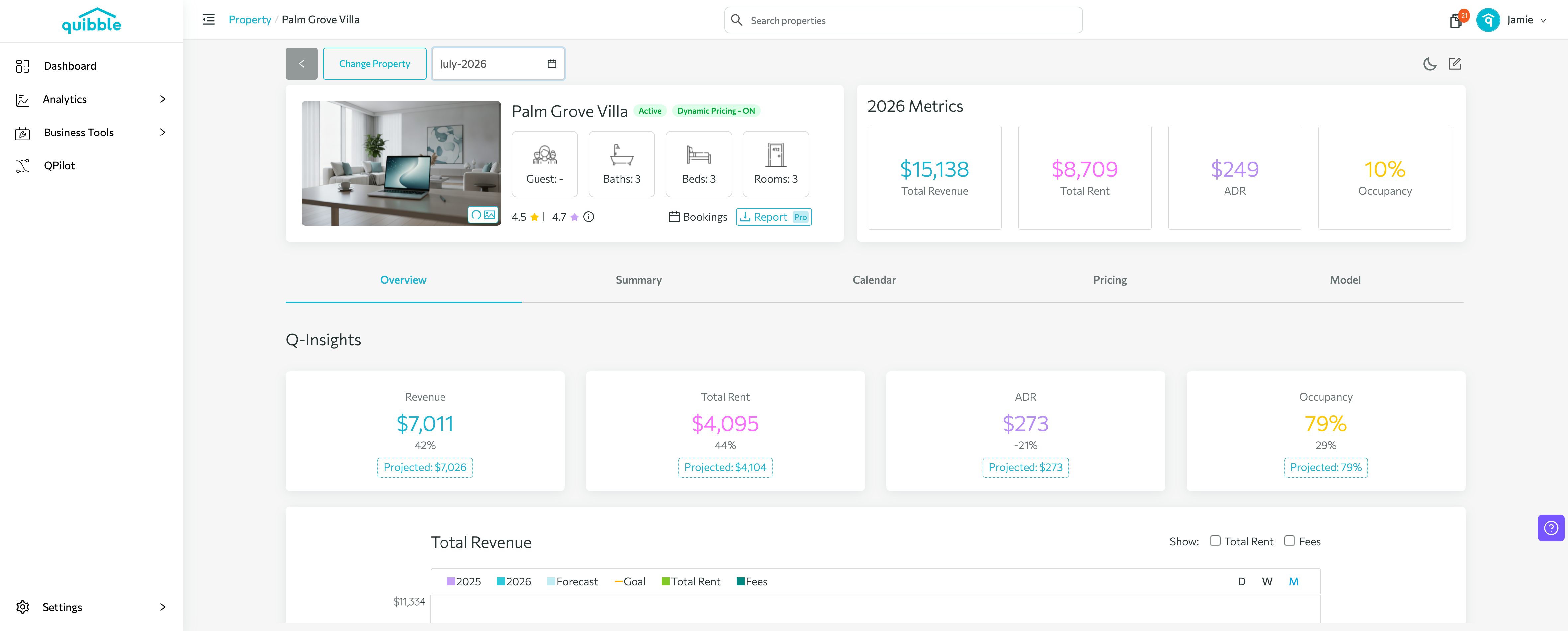
Annual Metrics.
3
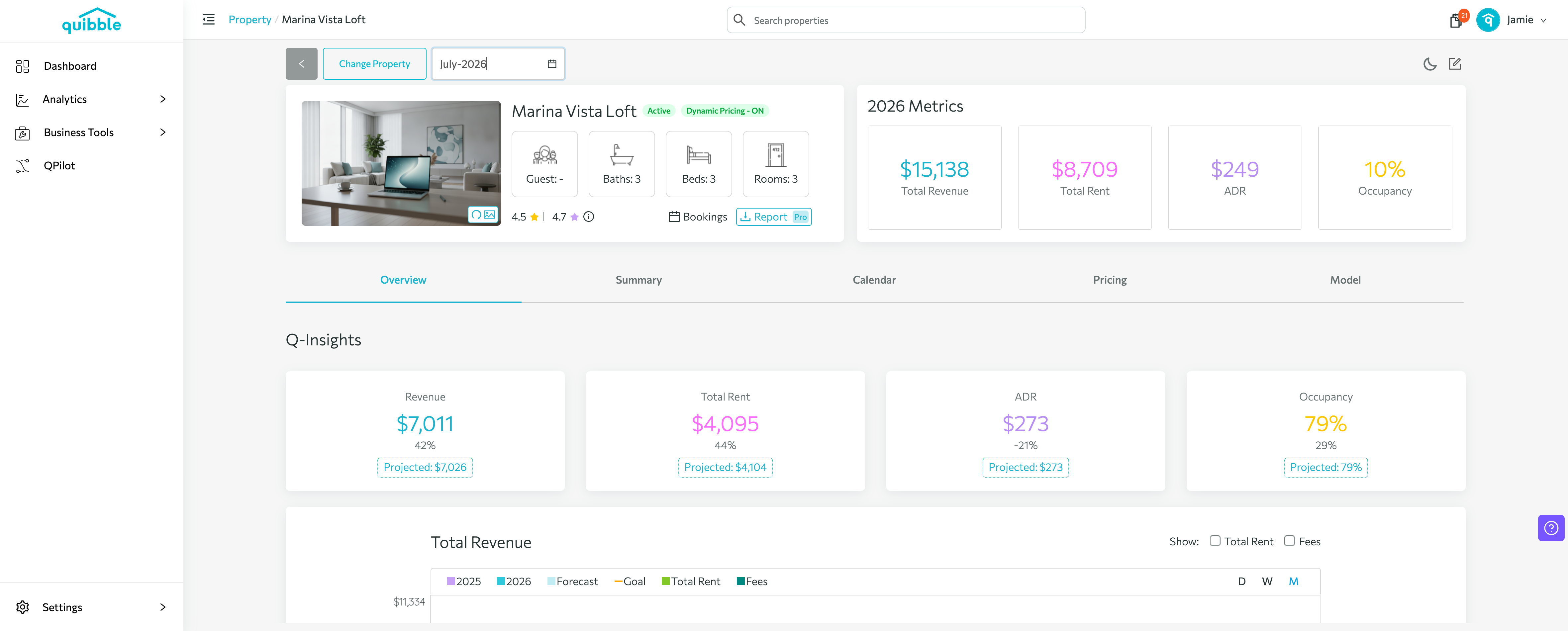
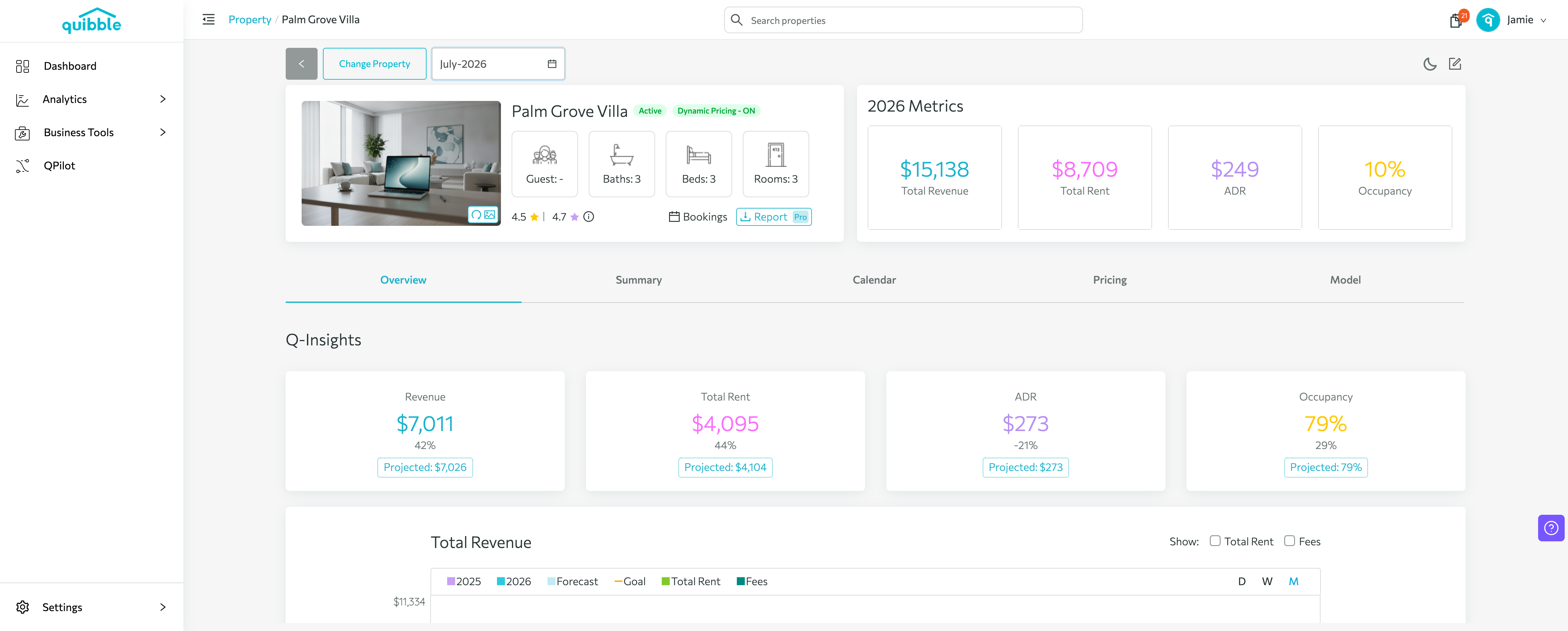
Overview tab — Q-Insights and revenue performance.
4
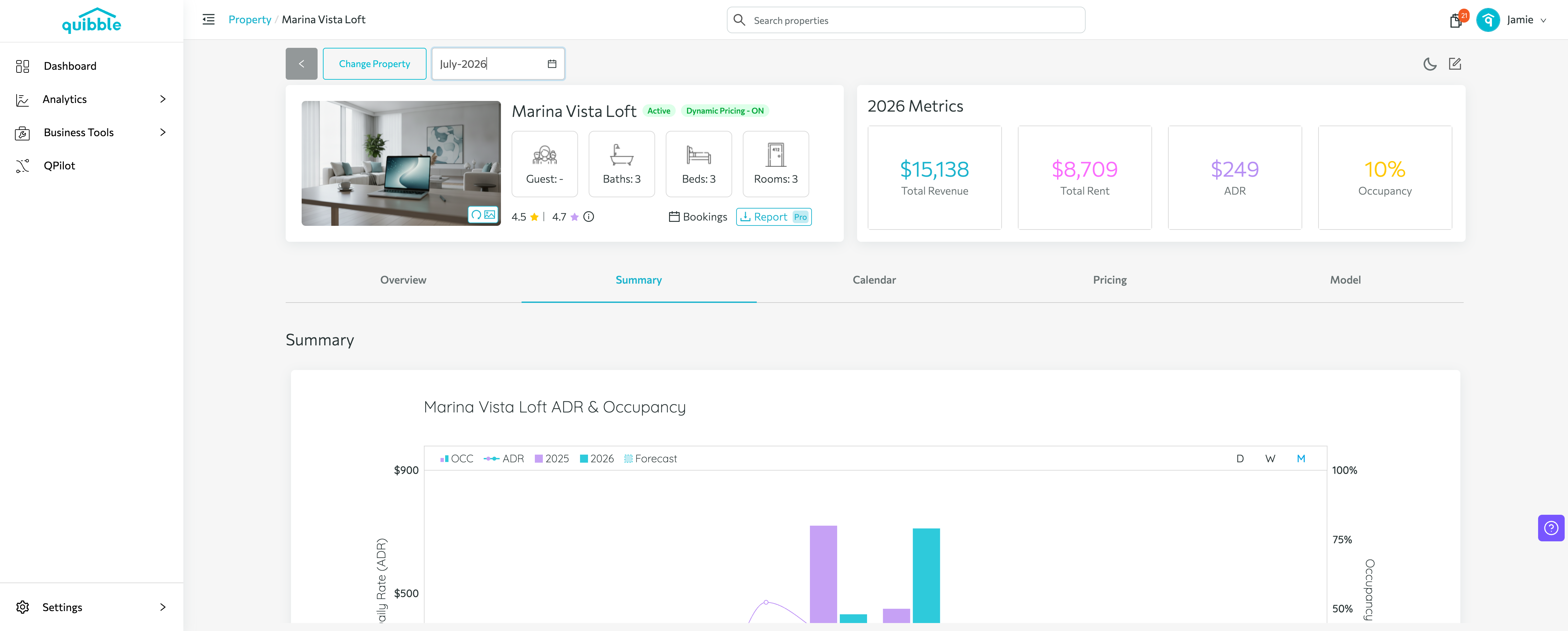
Summary tab — occupancy and ADR.
5
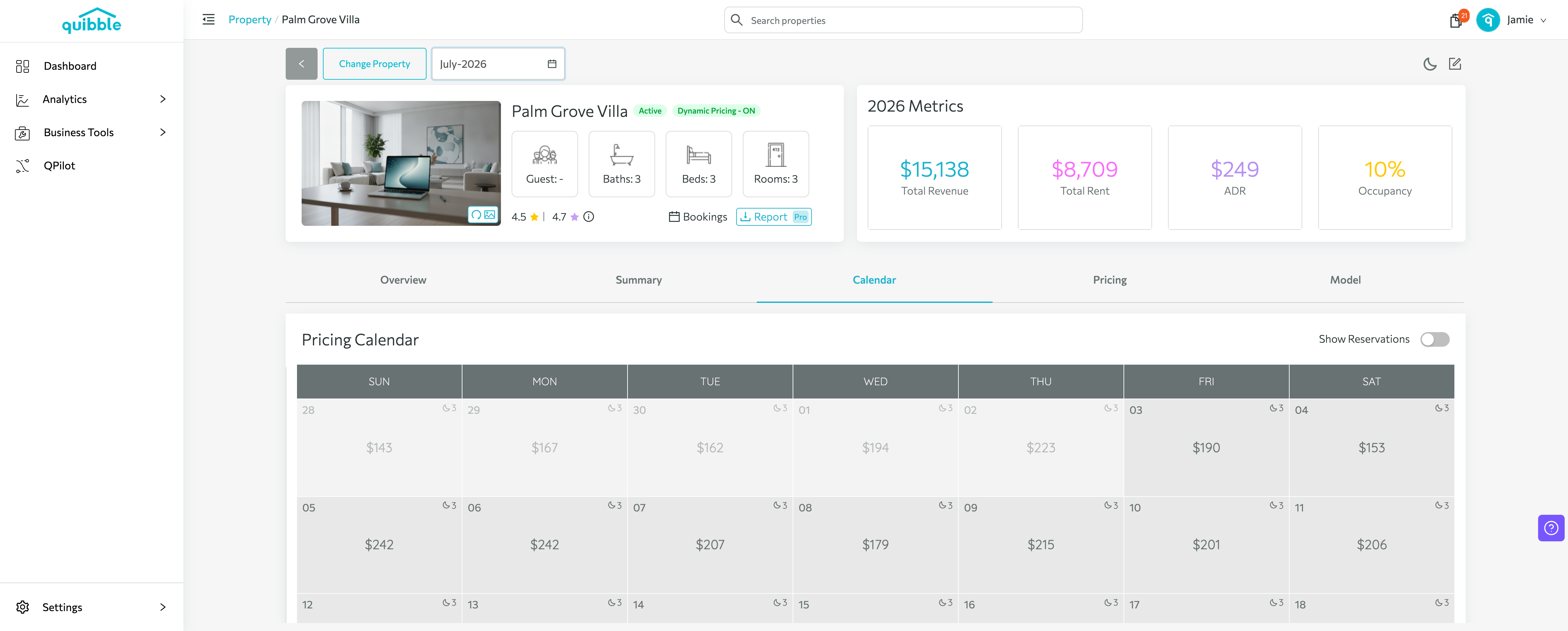
Calendar tab — the property’s booking calendar.
6
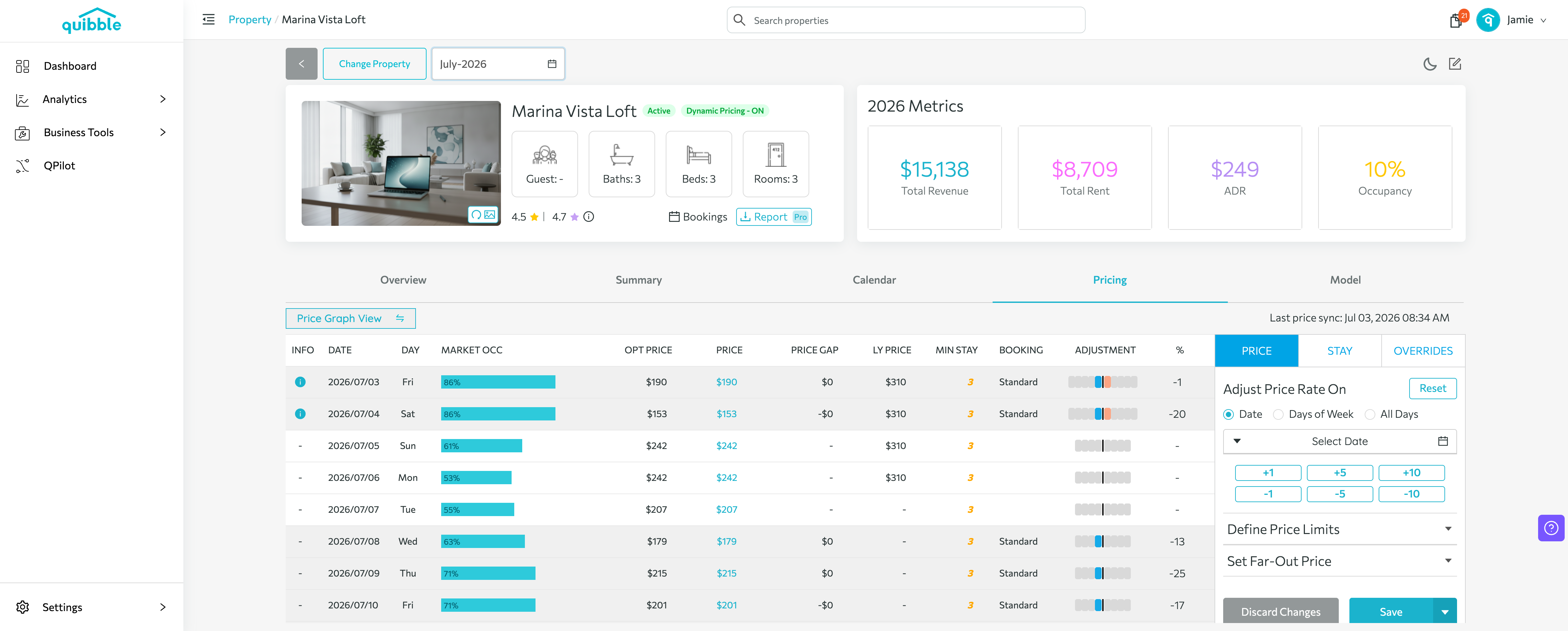
Pricing tab — the nightly price list, plus the Price Graph View.
A Competitor Model tab is also available — see the Competitor Model Check article.
Didn’t find what you needed? Contact us.