Setting up Orphan Gaps
Orphan Gaps are short unbooked periods between reservations that minimum-stay rules would otherwise block. Configuring them lifts occupancy and revenue.
1
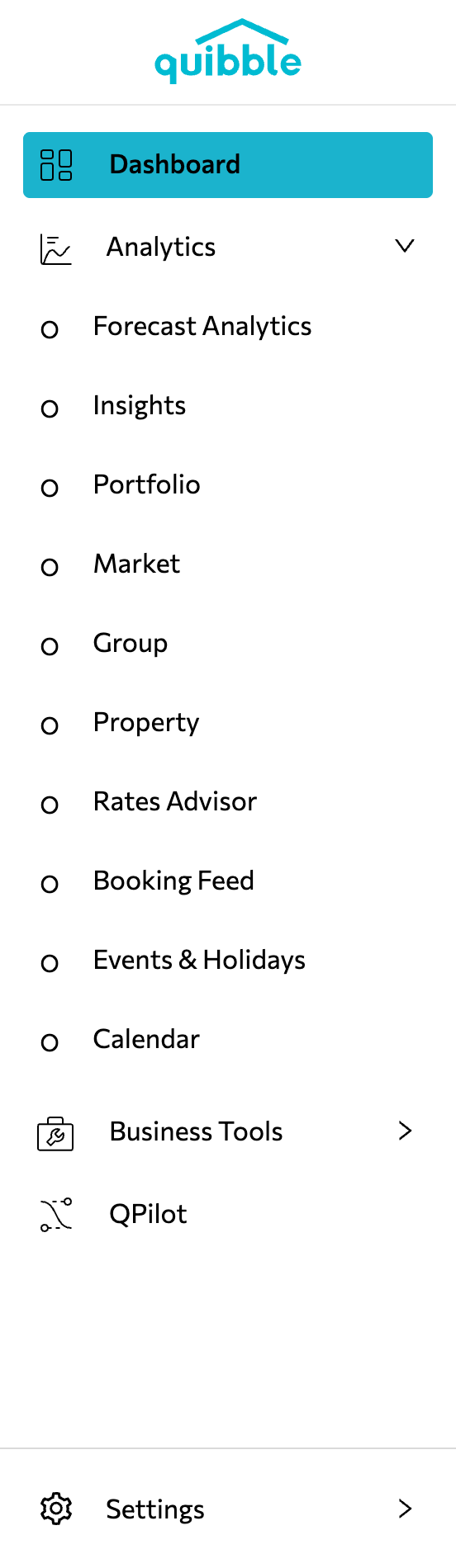
Open the left-side menu bar and click Analytics.
2
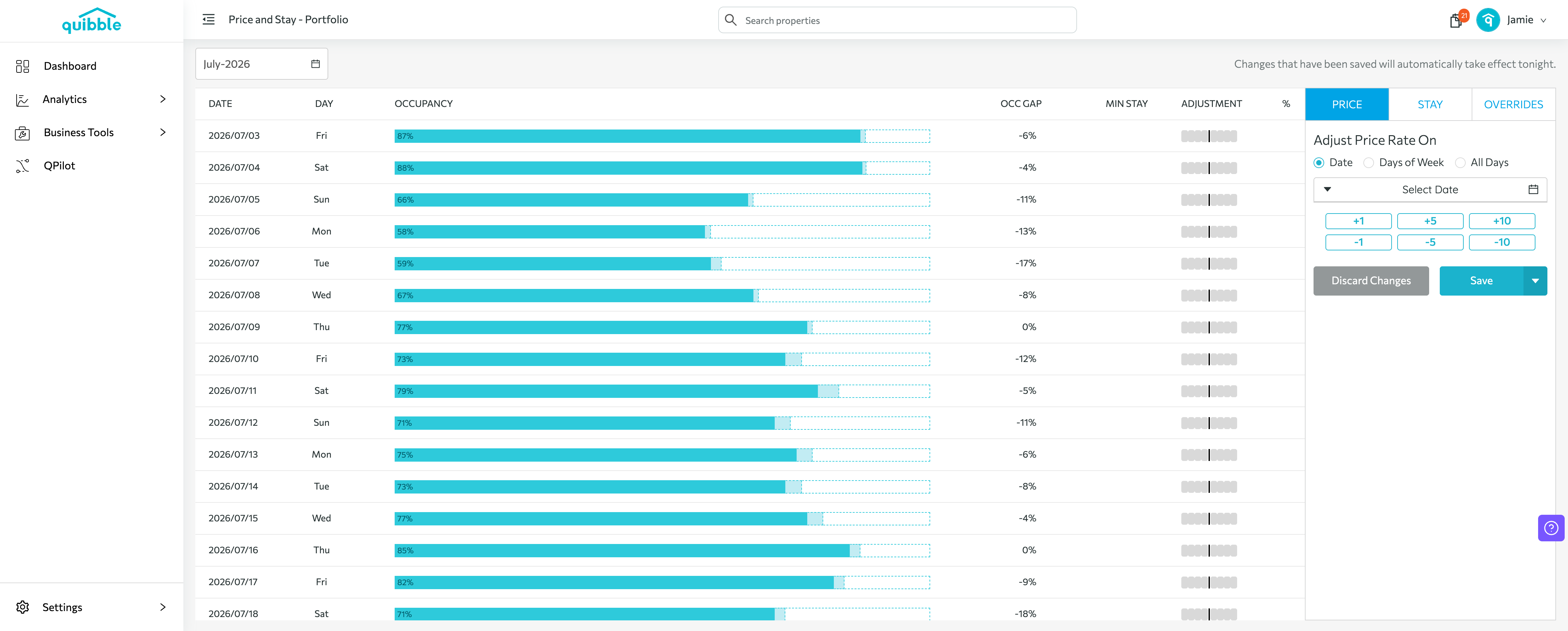
Open the Price Adjustment page (select properties from any Analytics list and click Adjust Price).
3
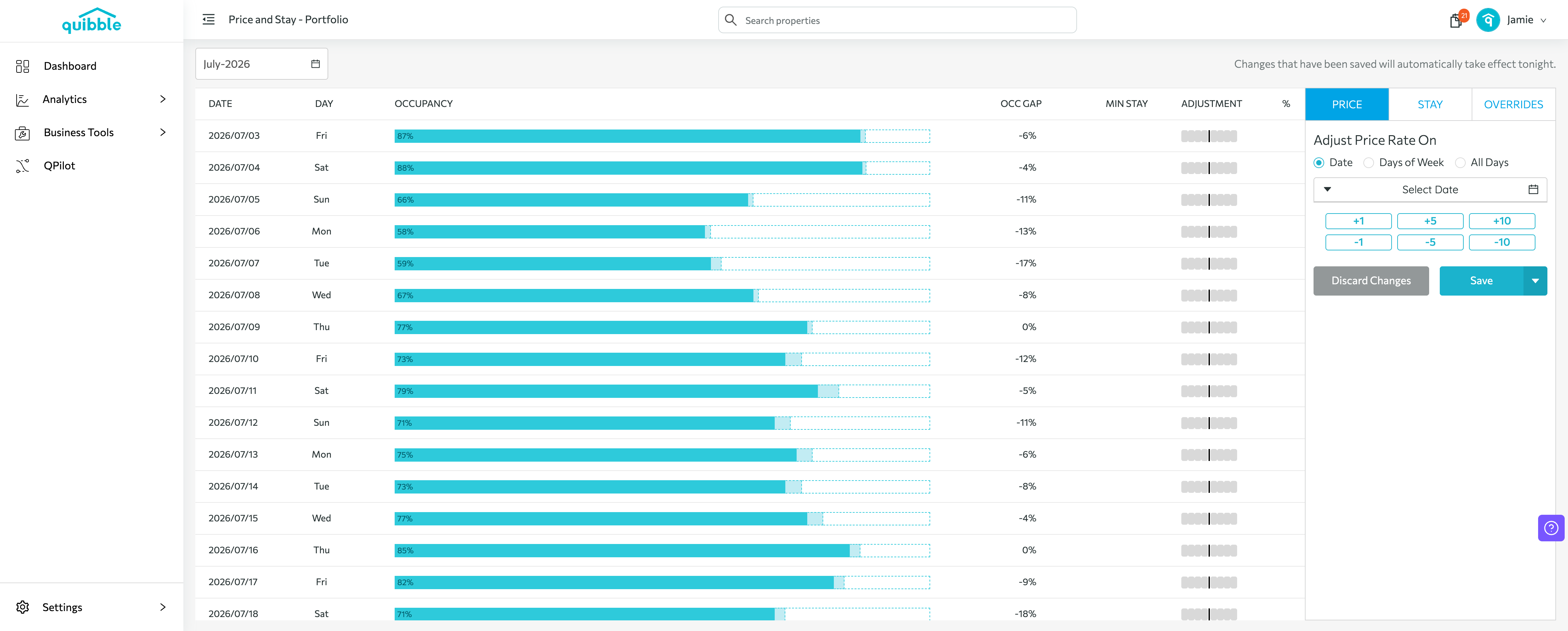
Choose the level and dates you want the settings to apply to.
4
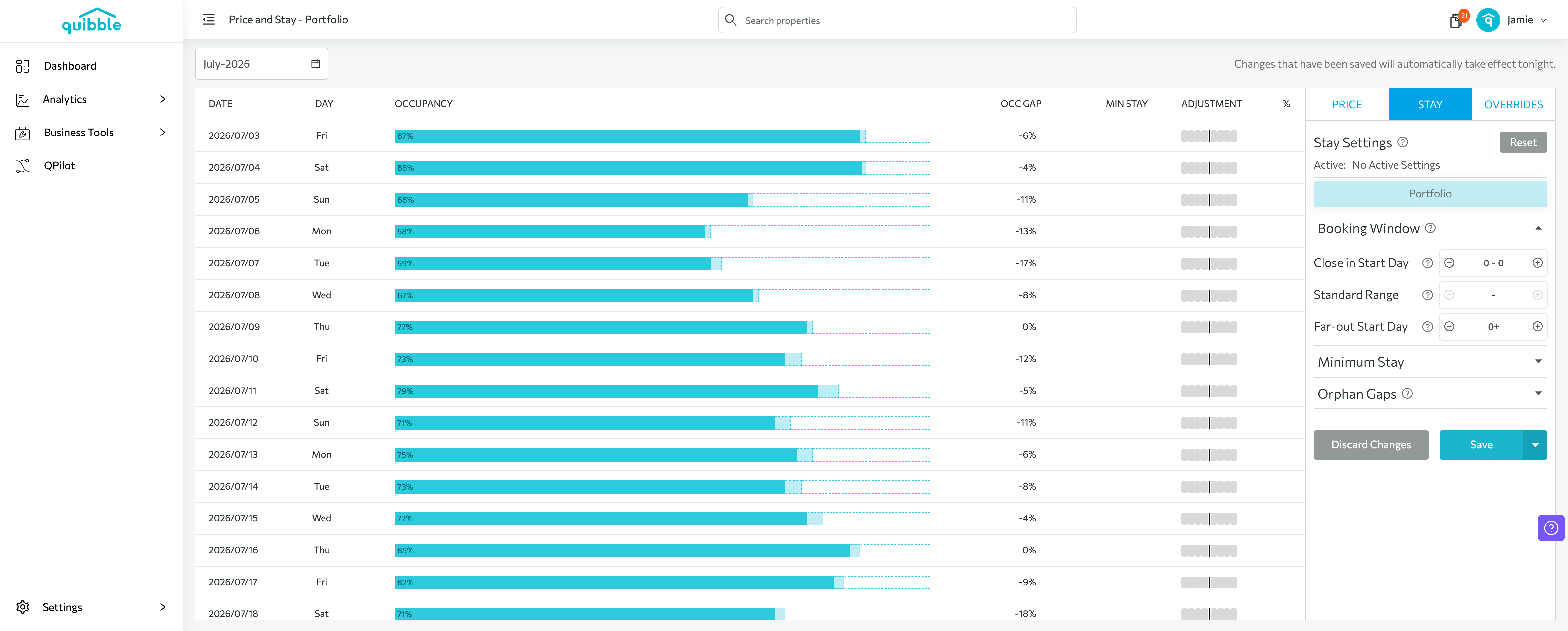
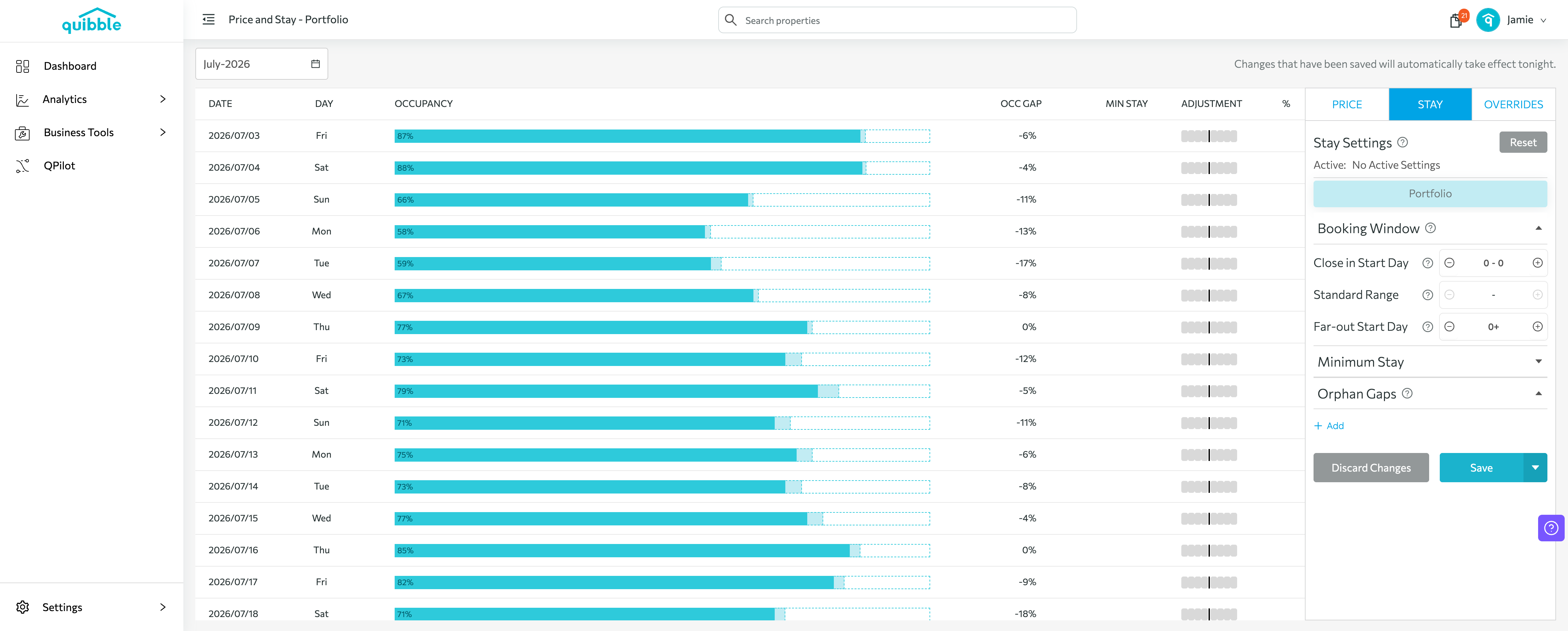
On the right-side menu, select STAY.
5
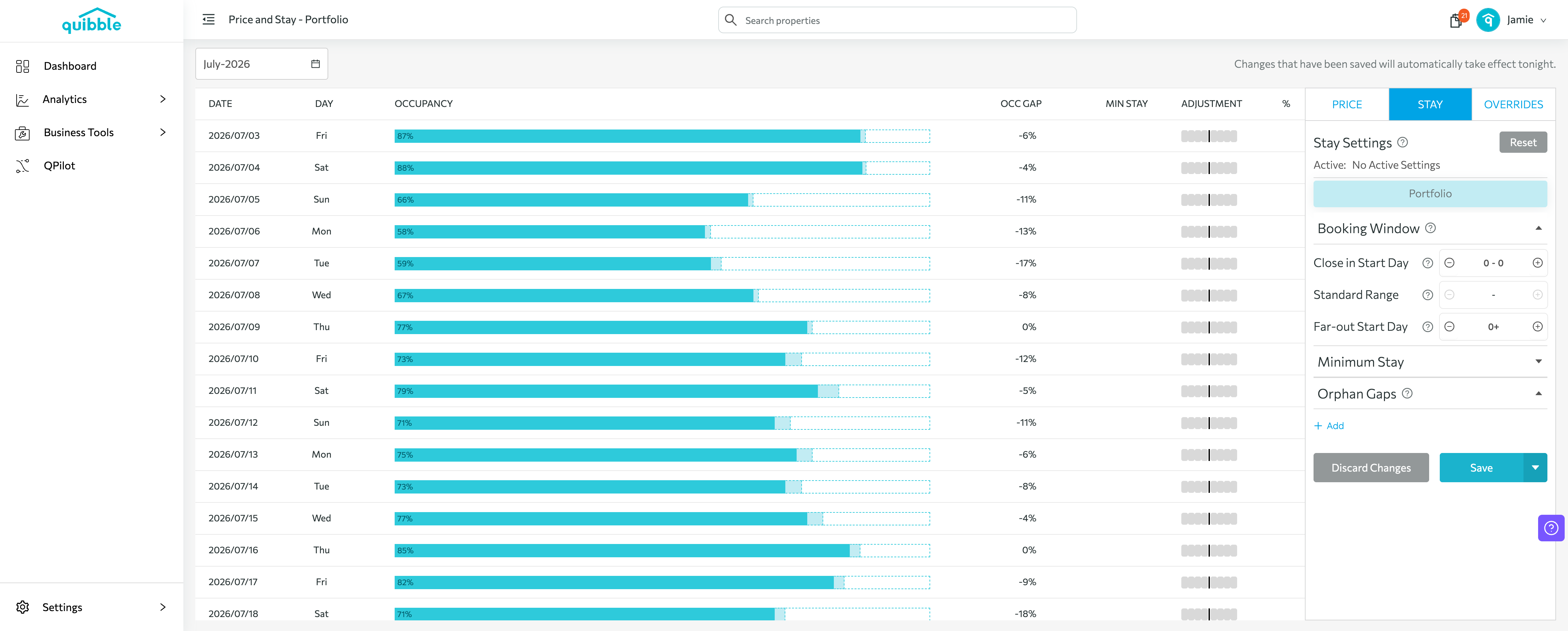
Expand the Orphan Gaps section and specify the gap size by defining its High and Low values.
6
Set the overriding minimum-stay value for gaps in that range.
Didn’t find what you needed? Contact us.