Navigating Market Analytics
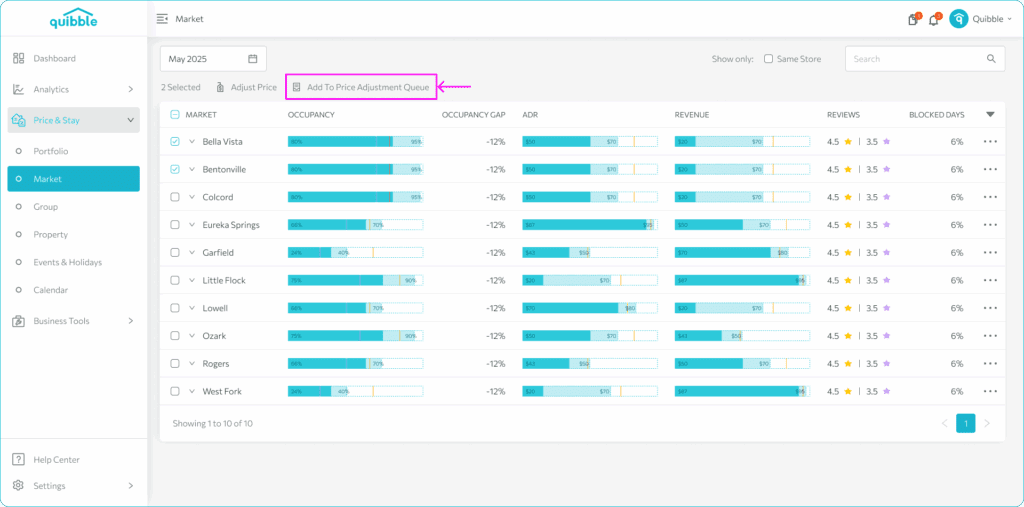
Market Analytics lets you monitor key metrics on a regional basis and make market-level price adjustments.
1
Open the left-side menu bar, click the Analytics dropdown, and select Market.
Buttons and settings
1
Date selector — defaults to monthly aggregation; switch to a calendar-date view.
2
Show Same Store — limit to properties present both last year and now, excluding newer ones.
3
Search bar — find specific markets in your portfolio.
4
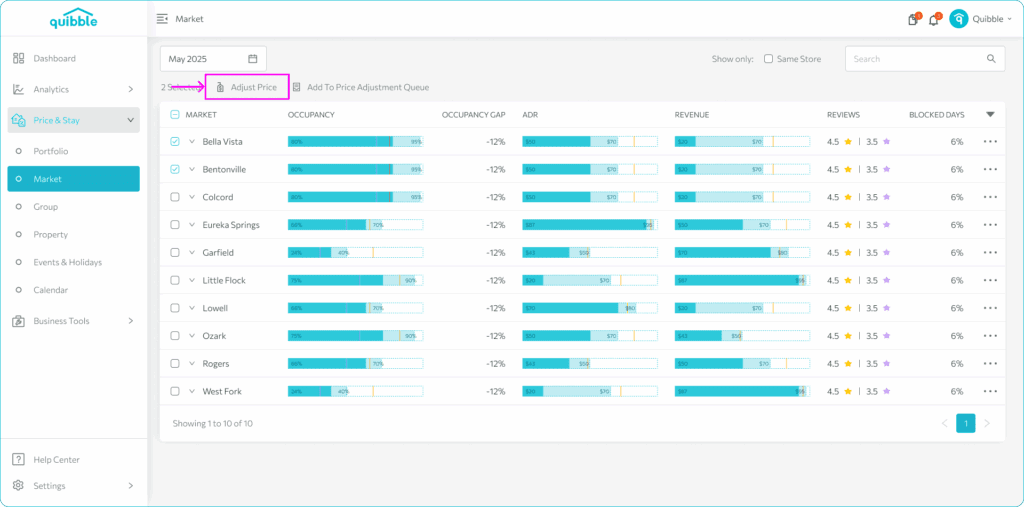
Adjust Price — make market-level price adjustments after selecting markets.
5
Add to Price Adjustment Queue — queue markets for pricing work.
Didn’t find what you needed? Contact us.