How to use Override
Override gives you the final say: a Price Override fixes the rate for specific property dates, and a Stay Override sets the minimum stay at any level.
Price Override
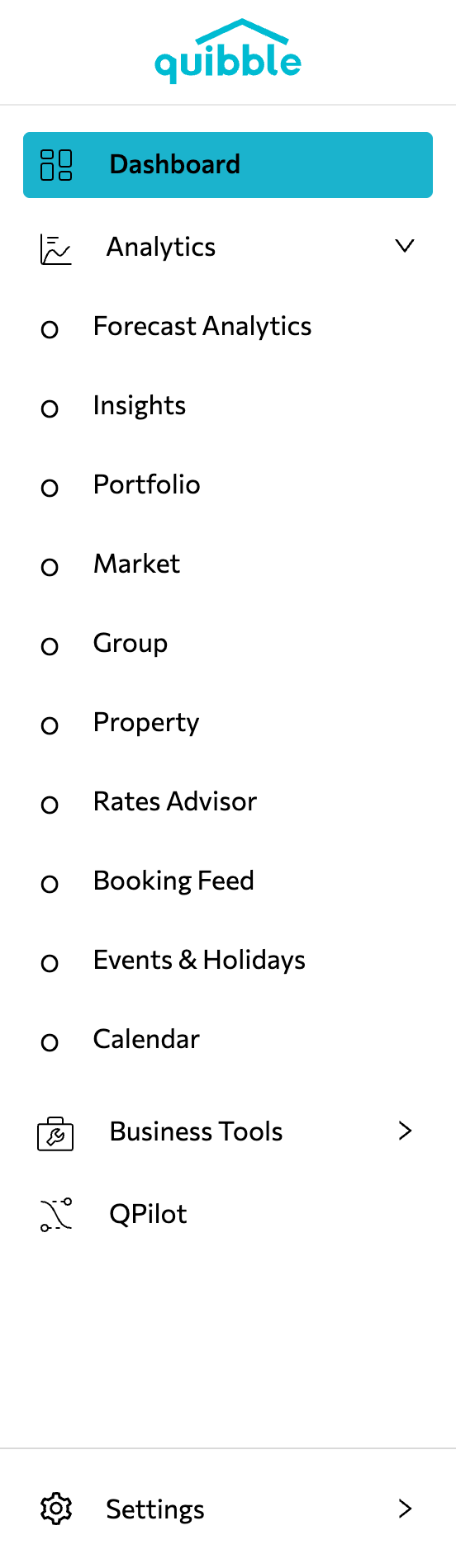
Open the left-side menu, click Analytics, and select Property.
Choose your property and open the Pricing tab.
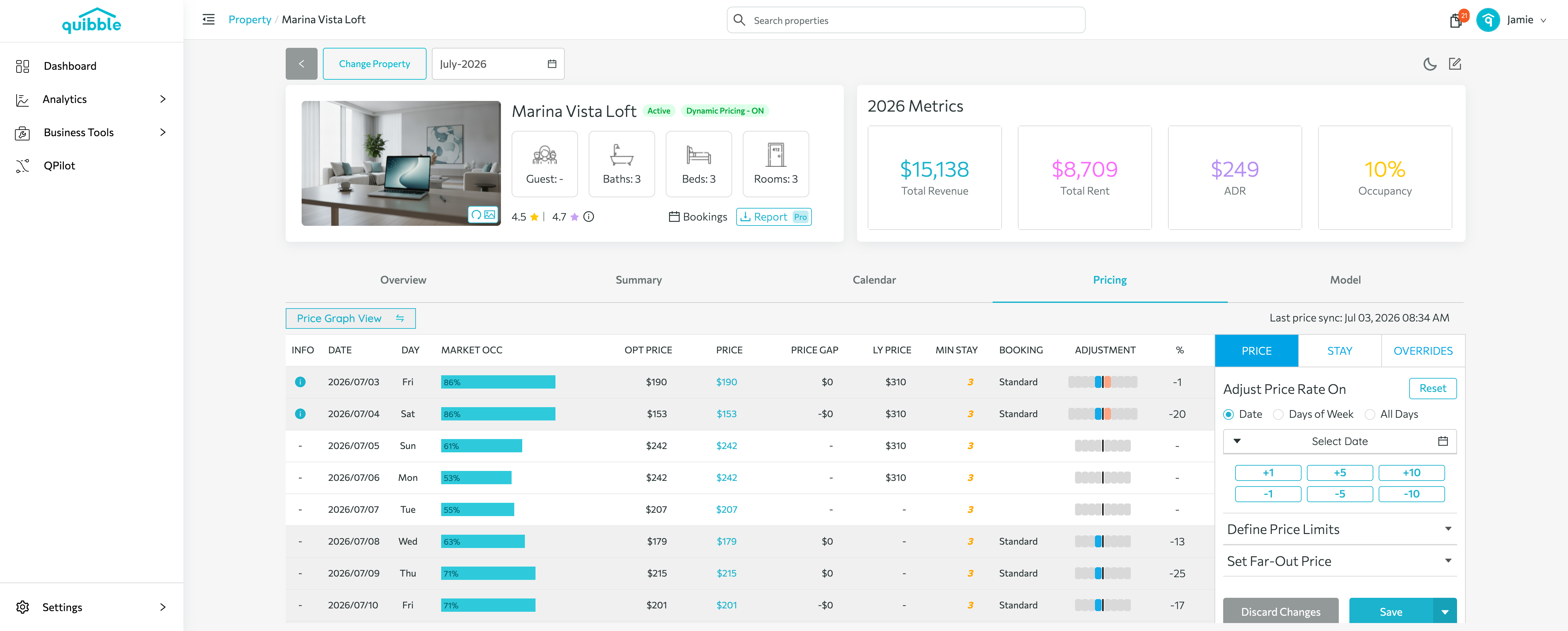
In the right-side panel, click OVERRIDES.
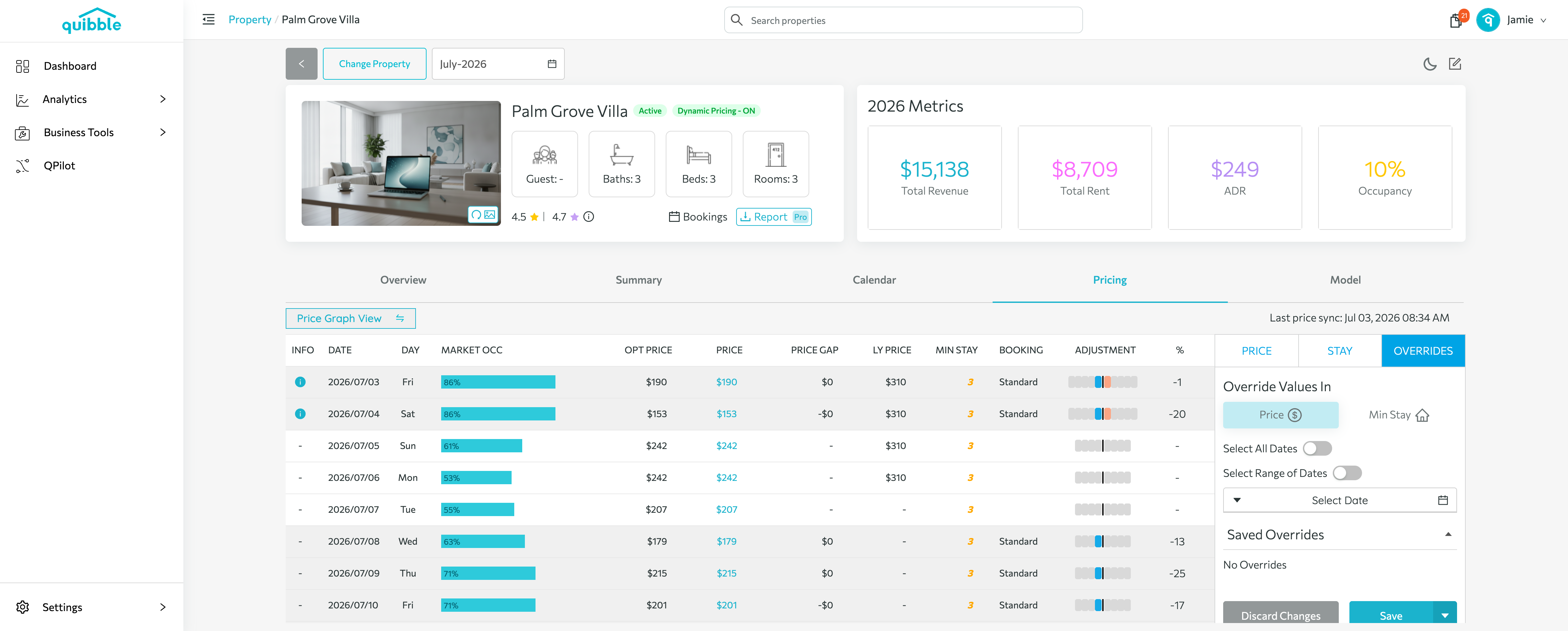
Under Override Values In, select Price.
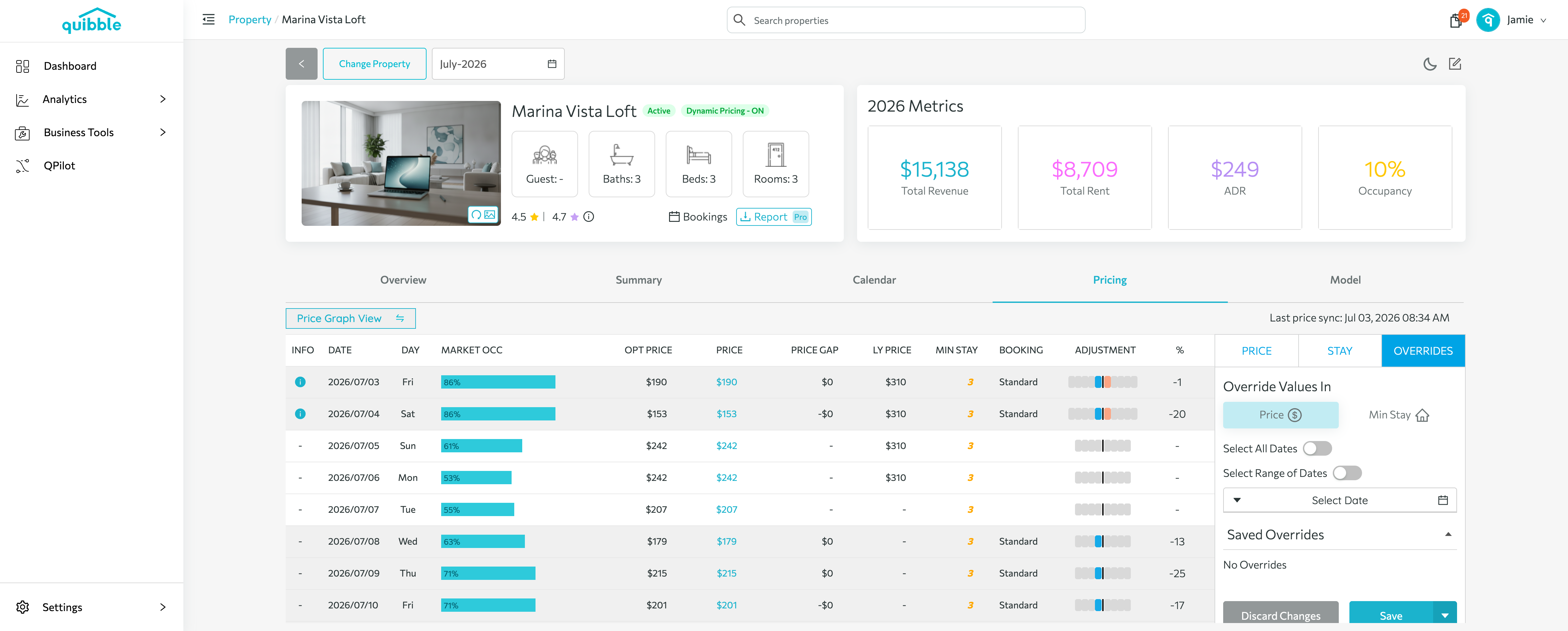
Select the date(s) for the override — a single date, a range, or all dates — enter the price you want, then click Save.
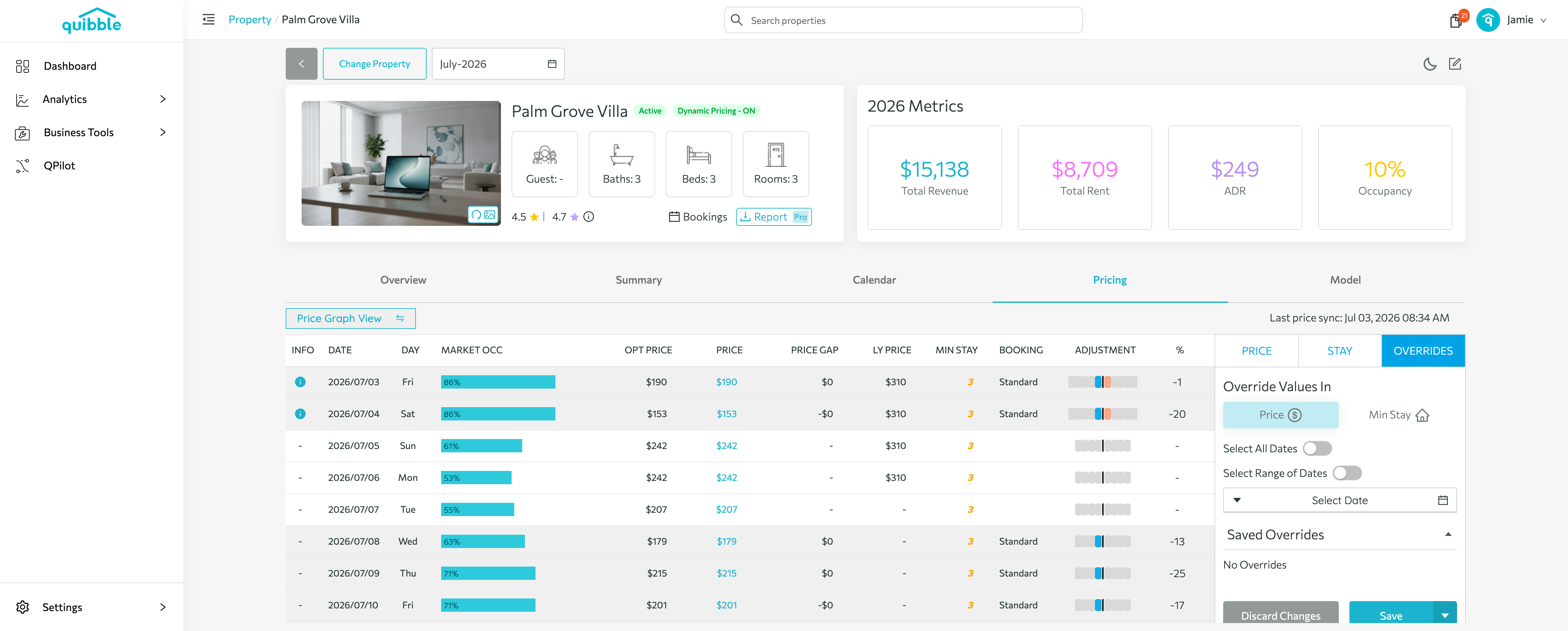
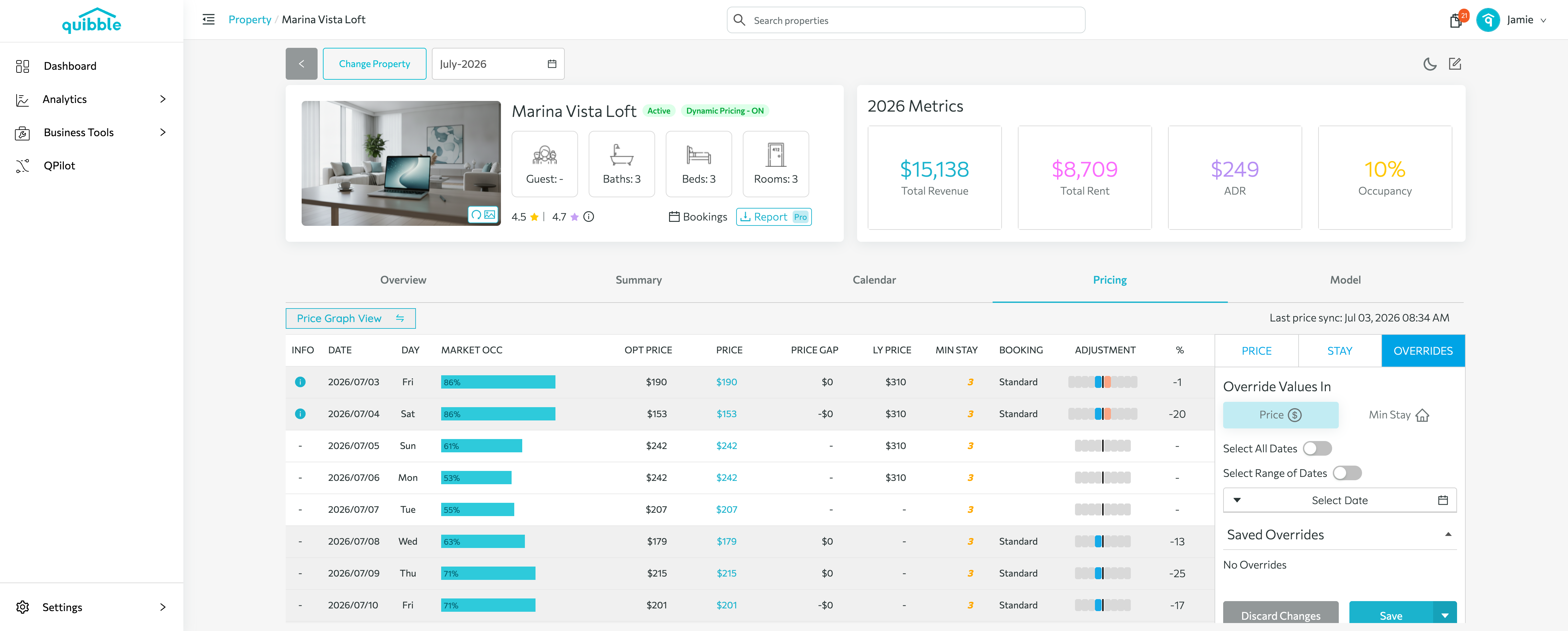
Once set, a Price Override takes priority over all other pricing logic.
Stay Override
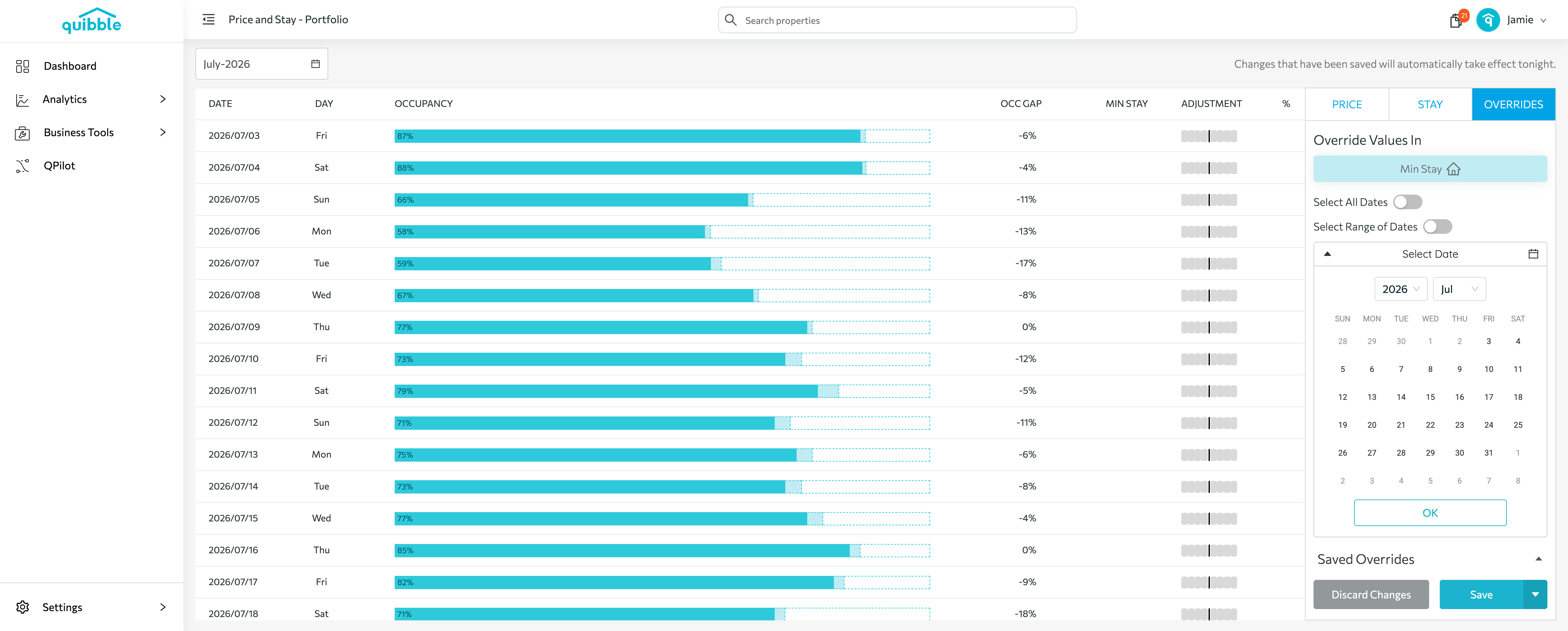
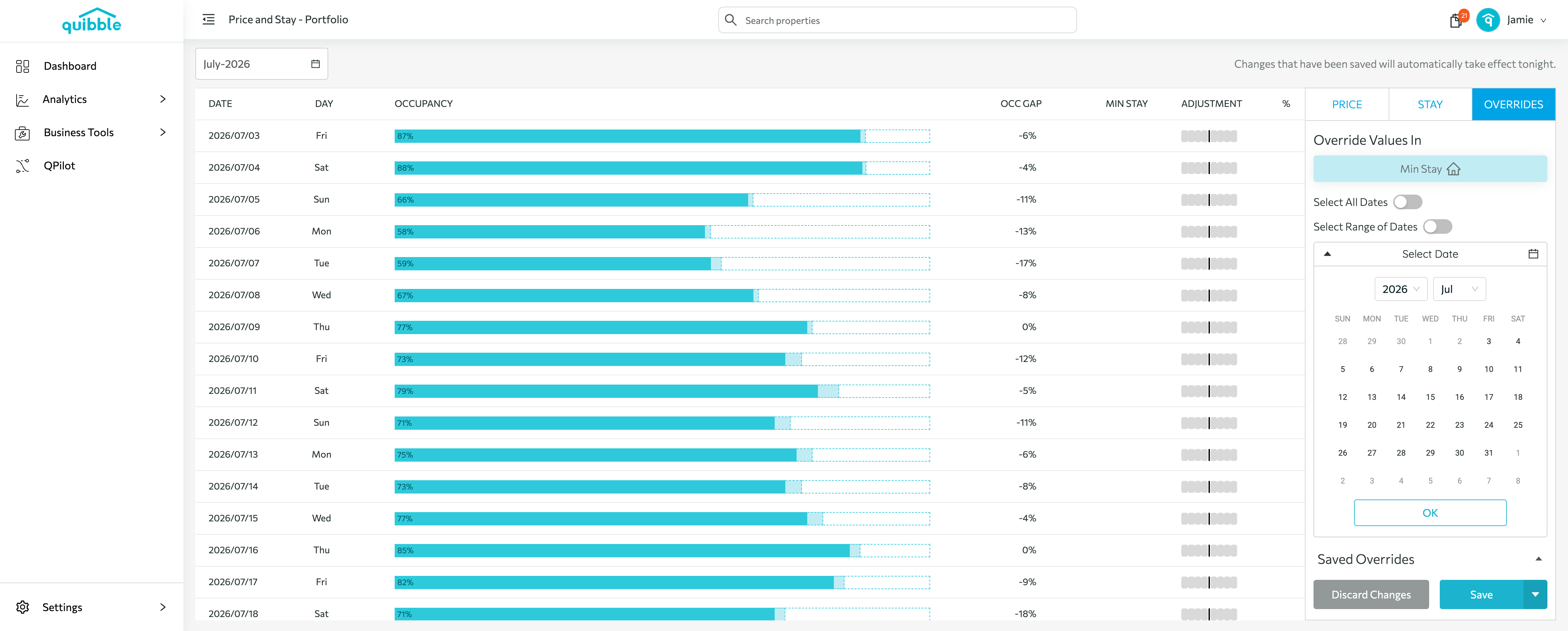
Minimum-stay overrides also work at higher levels: open the Price Adjustment page for the portfolio, a market, or a group.
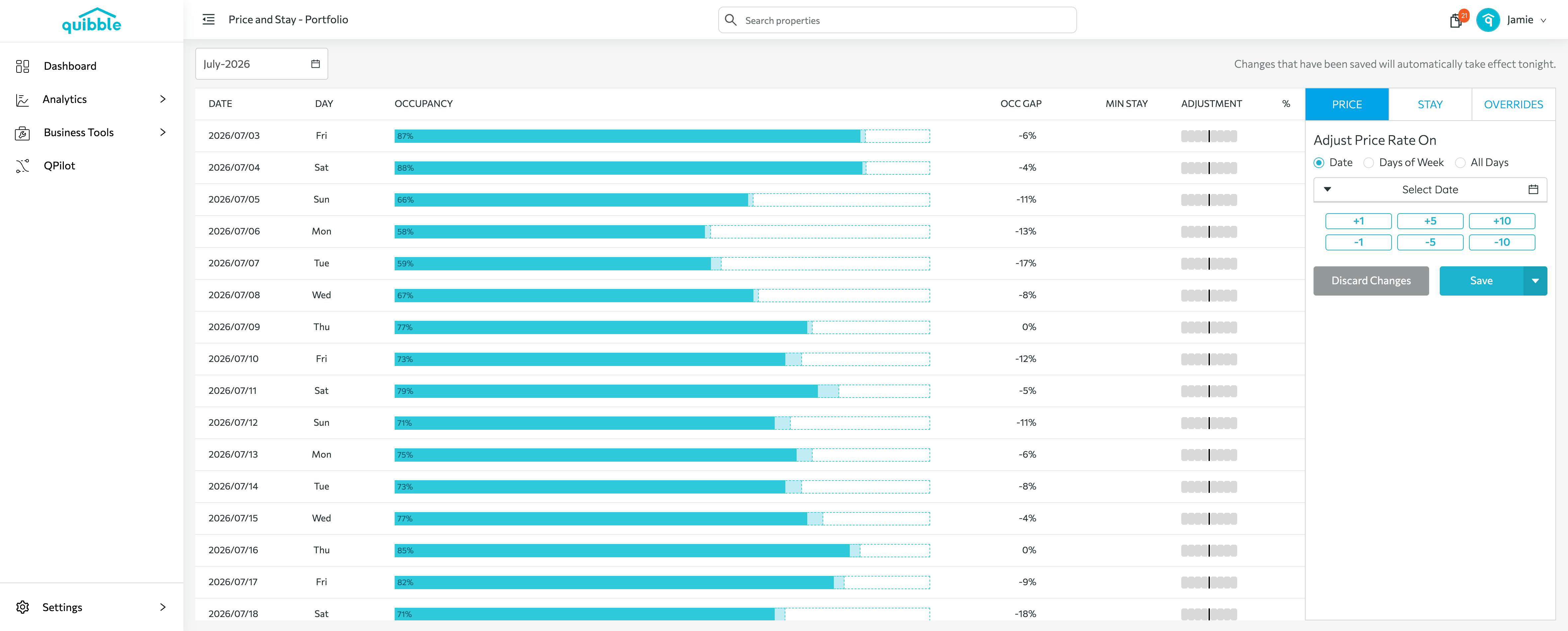
Click OVERRIDES — at these levels the override applies to Min Stay.
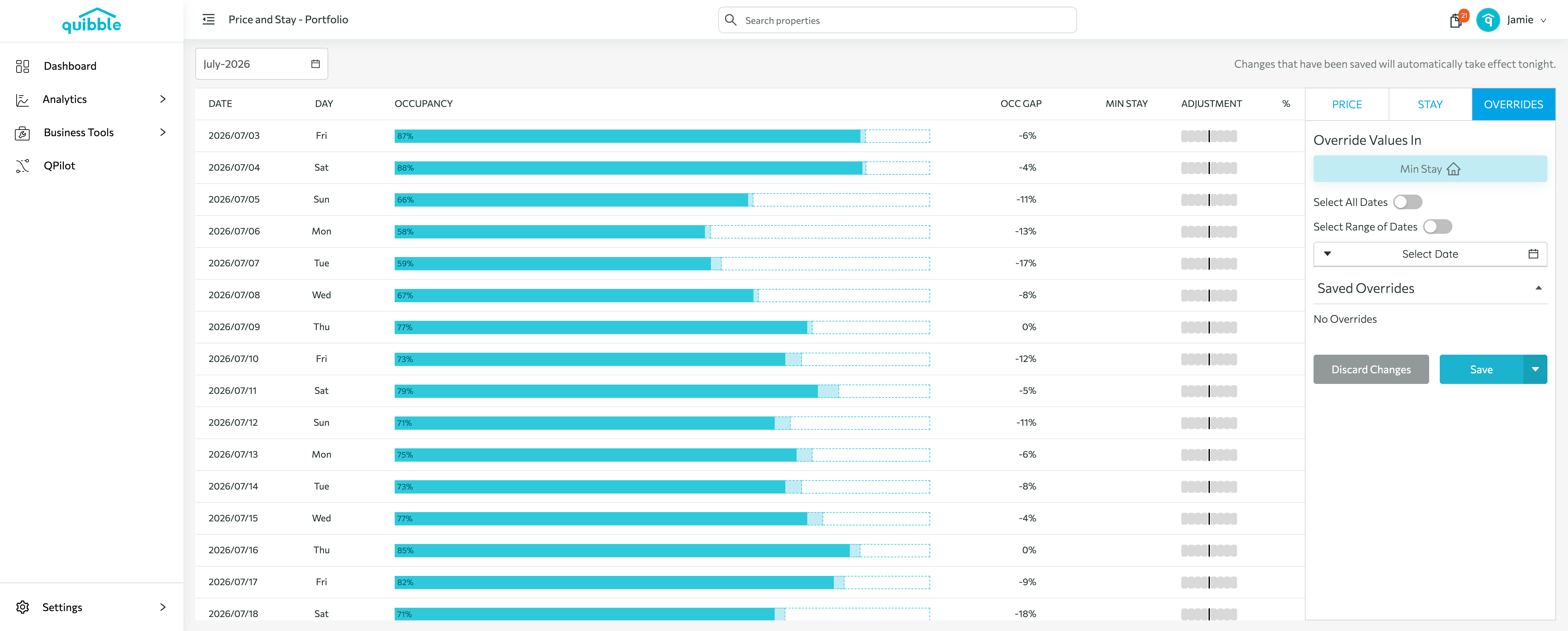
Choose the date(s), enter the minimum-stay value, and click Save.