Downloading a report
Quibble can export a detailed PDF report for any property.
1
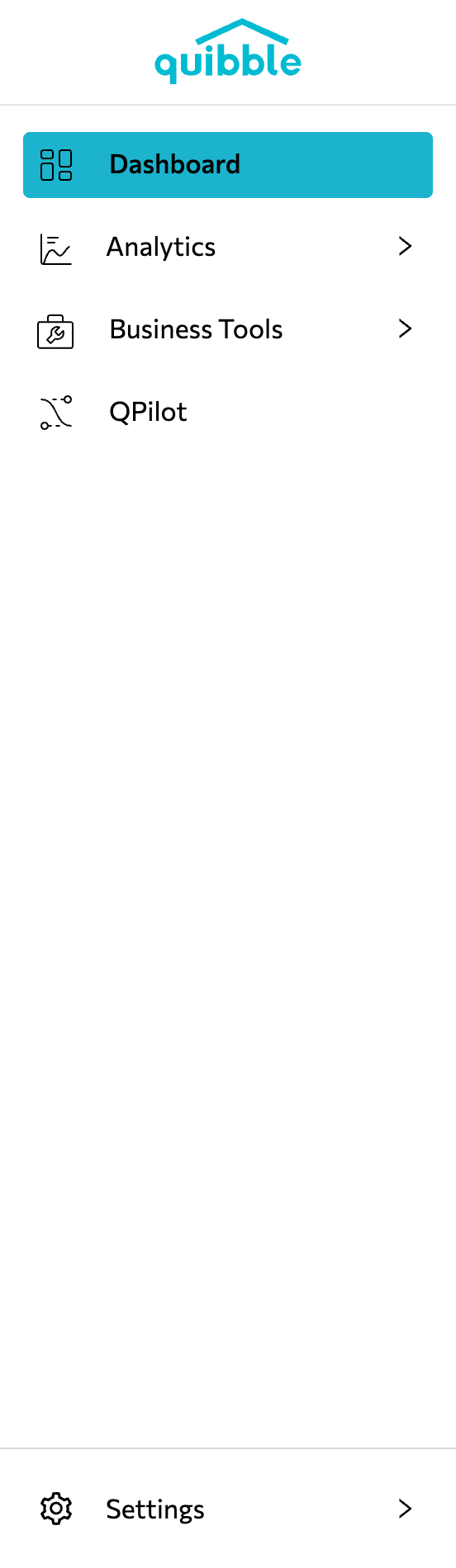
Open the left-side menu bar.
2
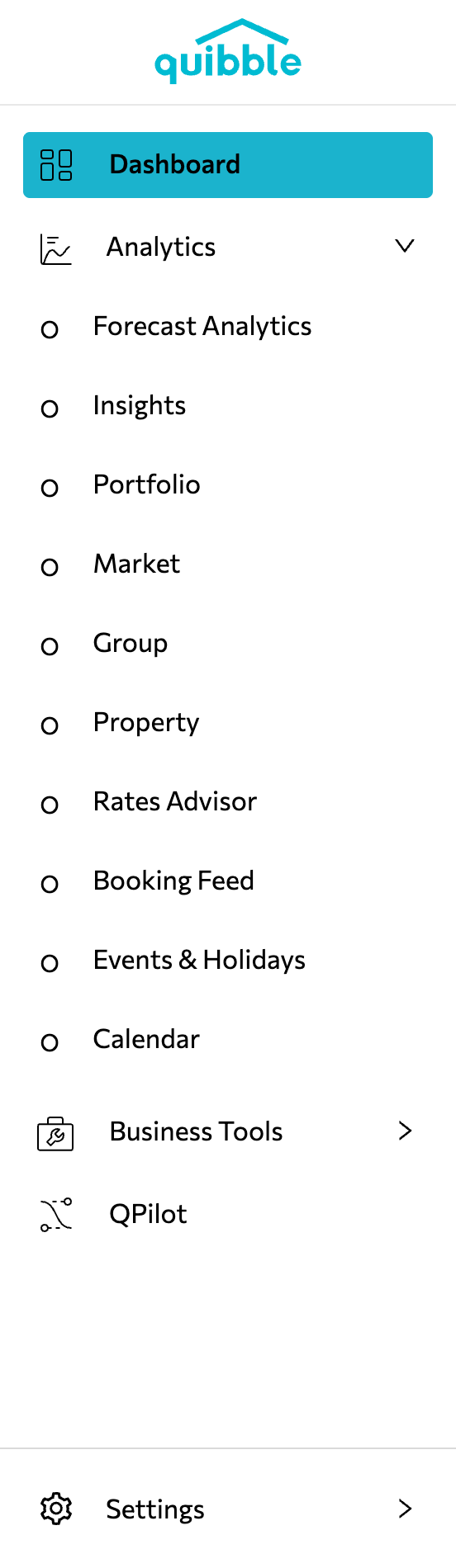
Click the Analytics dropdown and select Property.
3
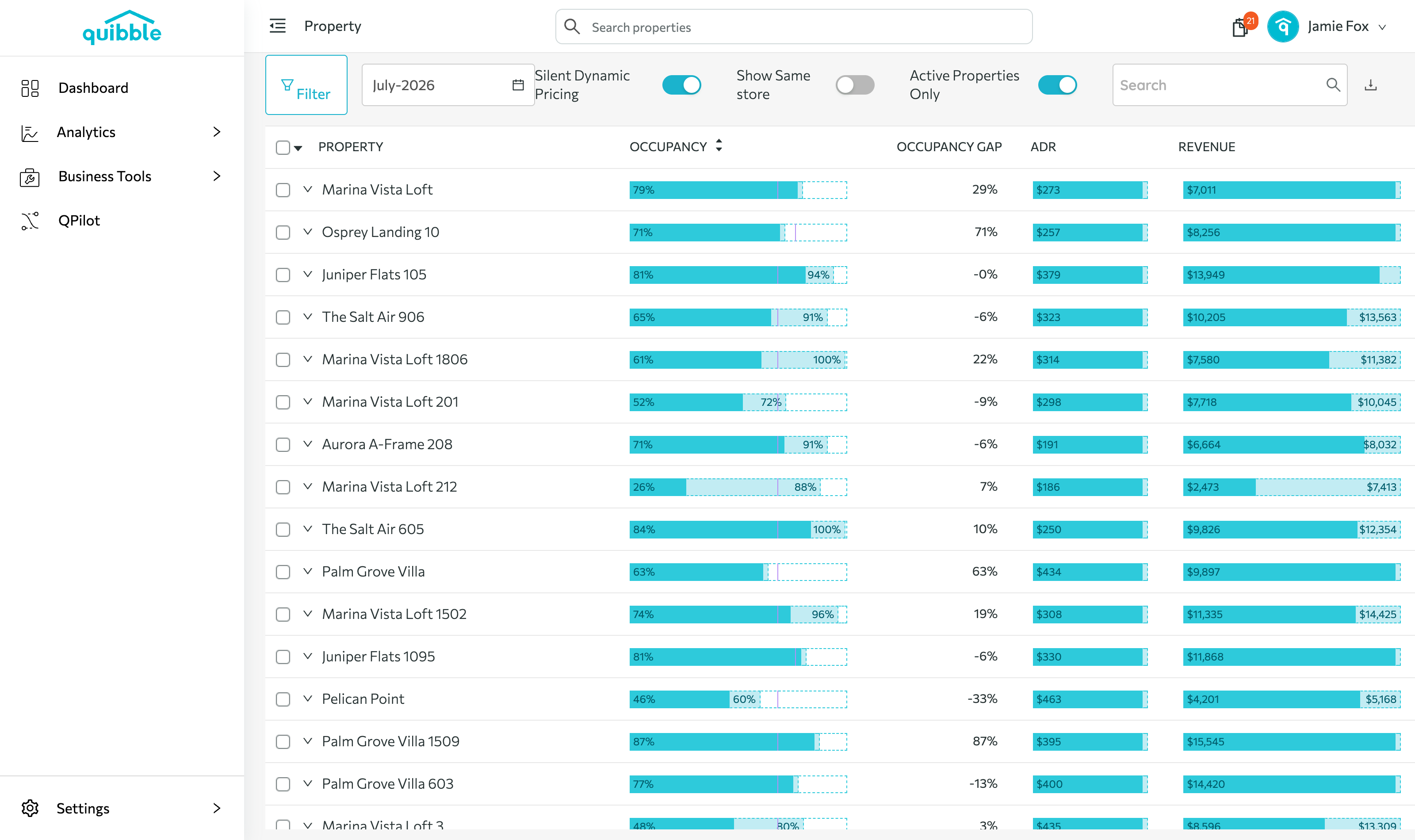
Click the property you want the report for.
4
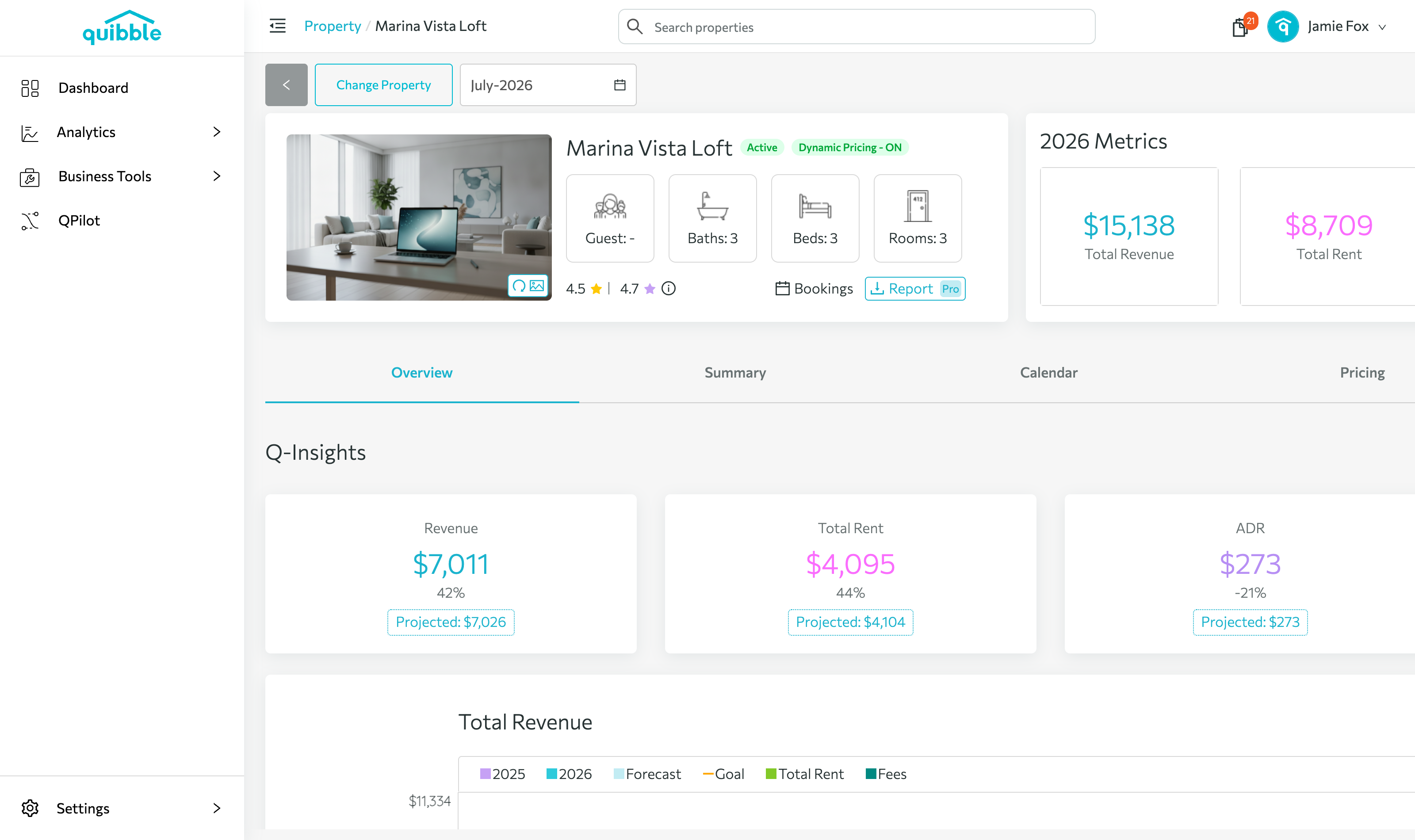
Click the Report button next to the property photo.
5
In the download window, choose your filters and settings.
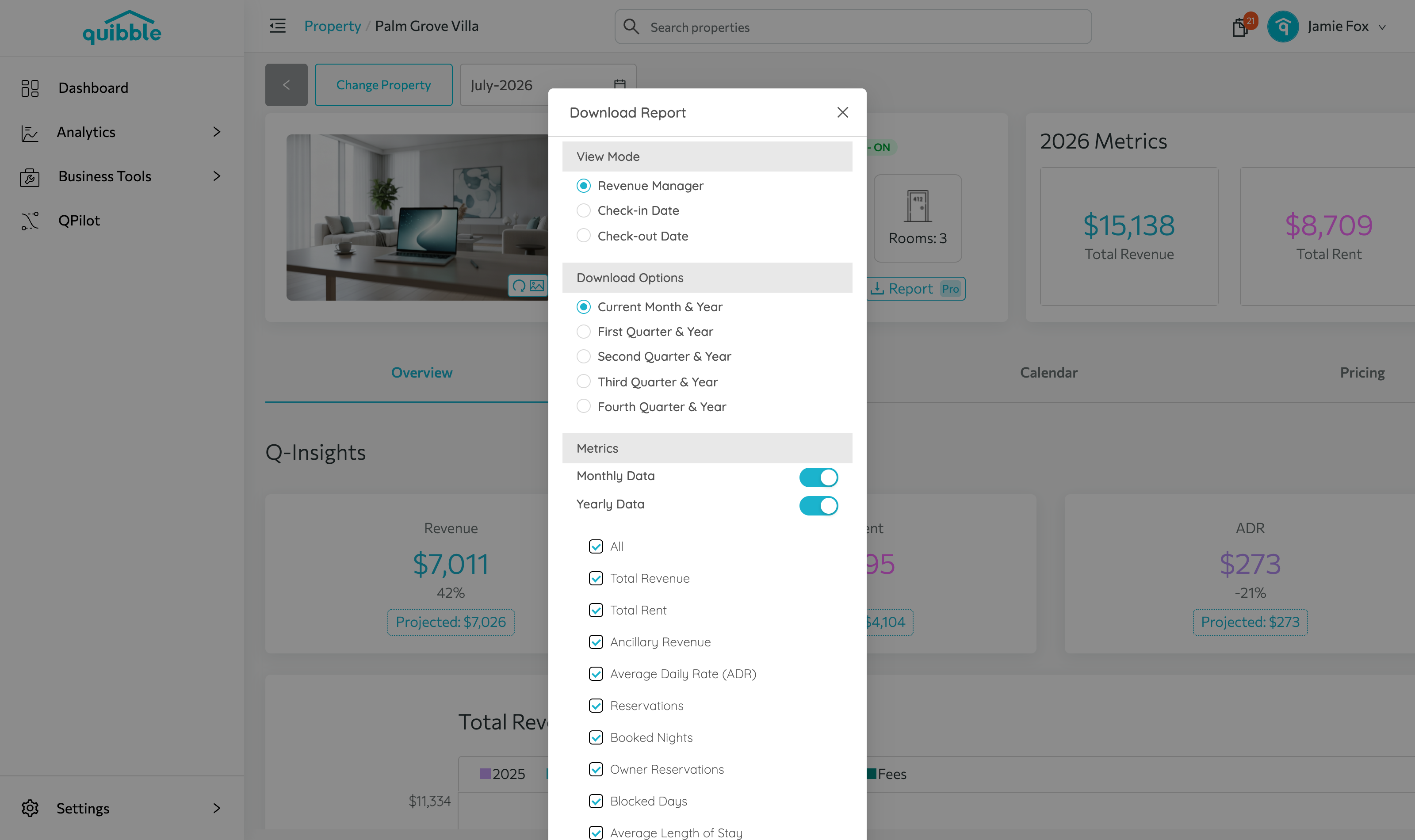
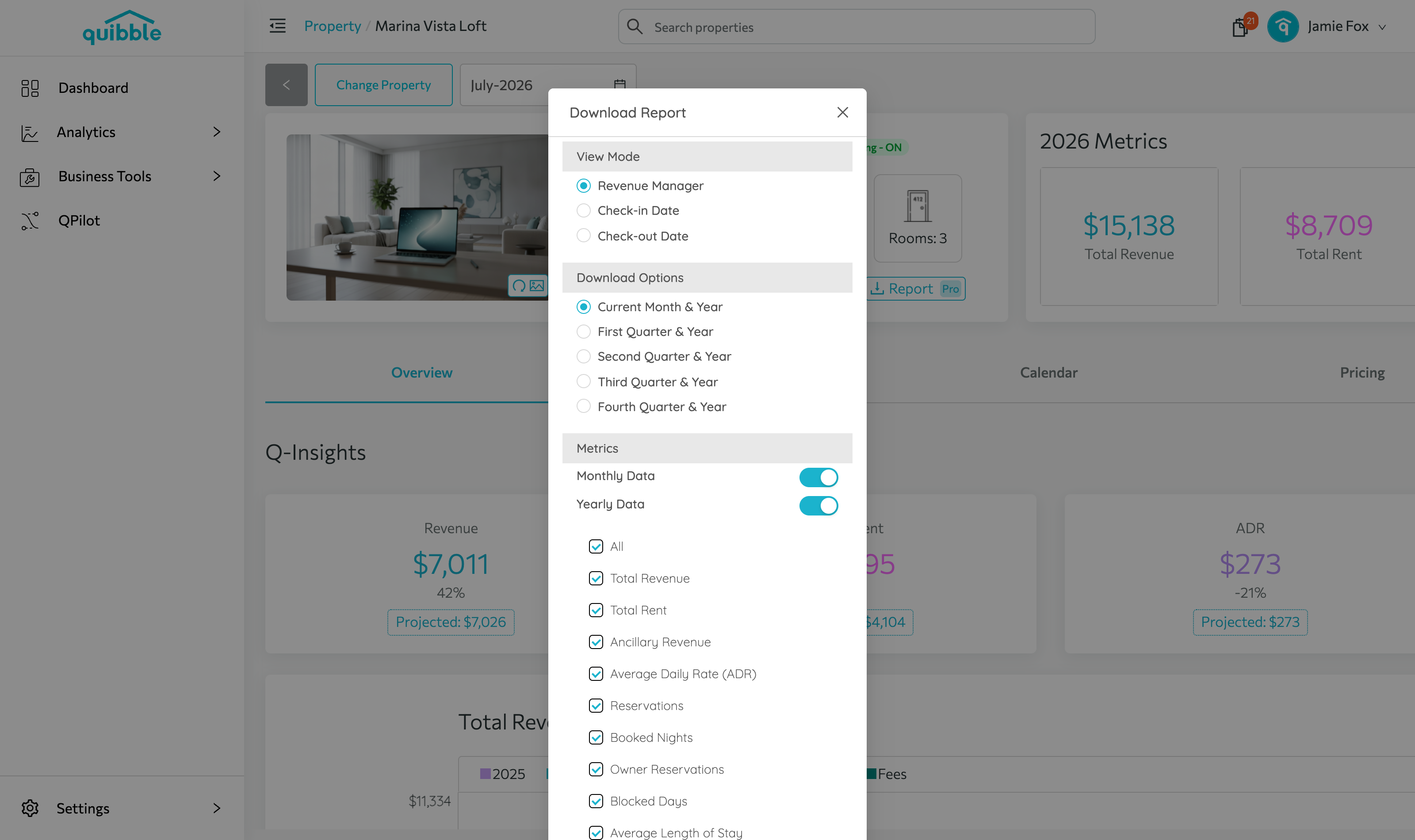
6
Click Apply Filter — the button becomes a Download option. Click it to save the report as a PDF.
Didn’t find what you needed? Contact us.