Competitor Model Check
The Competitor Model shows how your property stacks up against its comp set on nightly rate, amenities, and reviews.
Opening the model
1
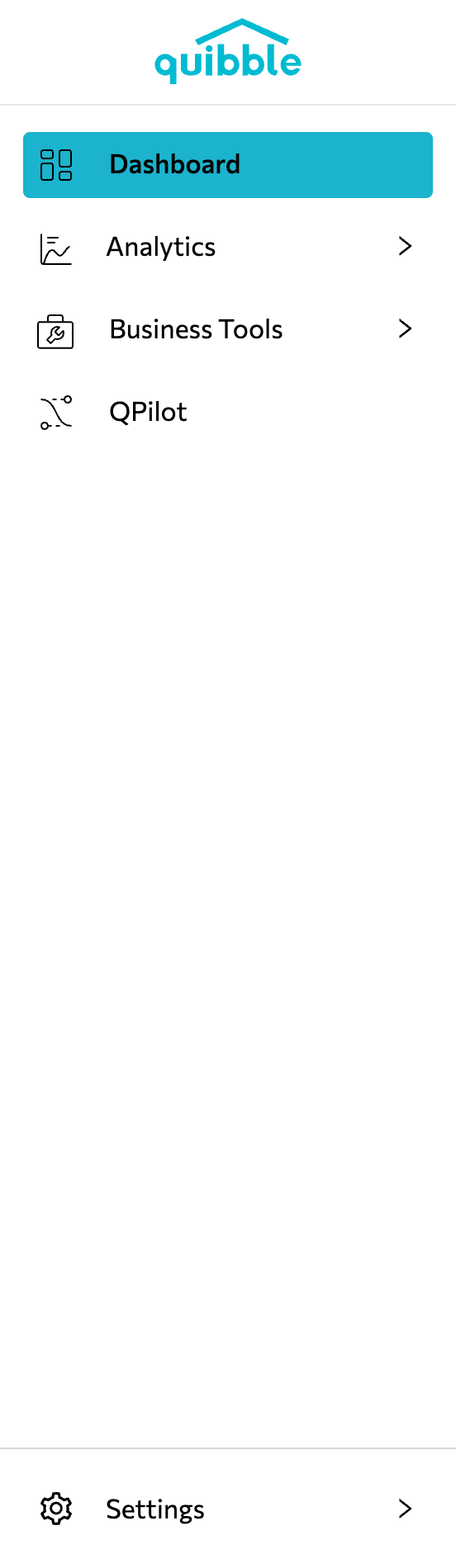
Open the left-side menu bar.
2
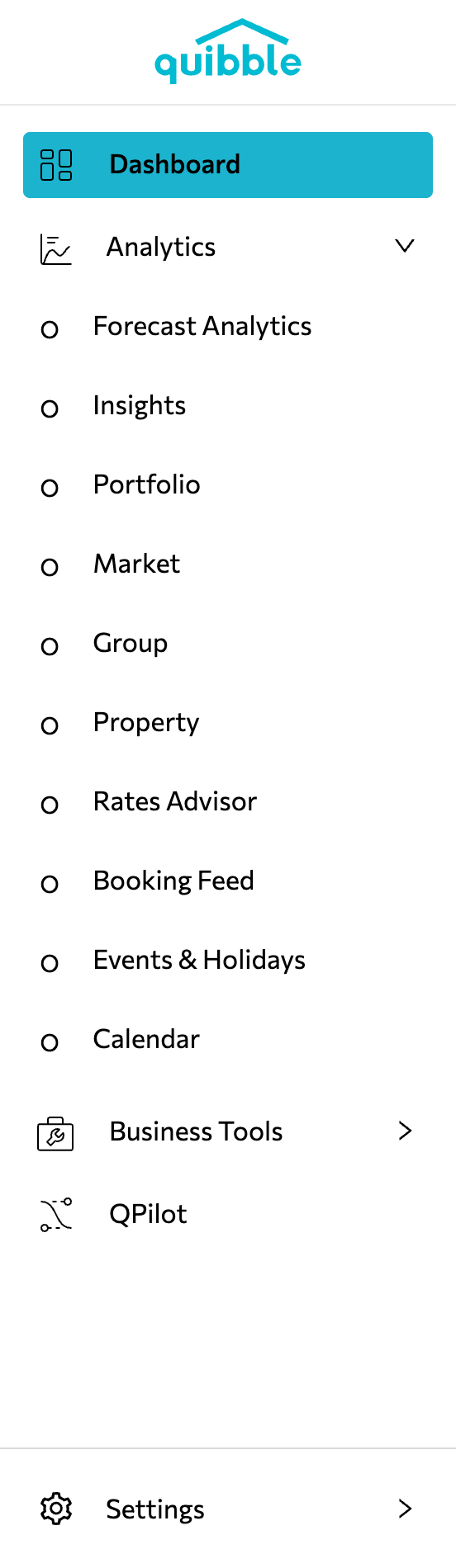
Click the Analytics dropdown and select Property.
3
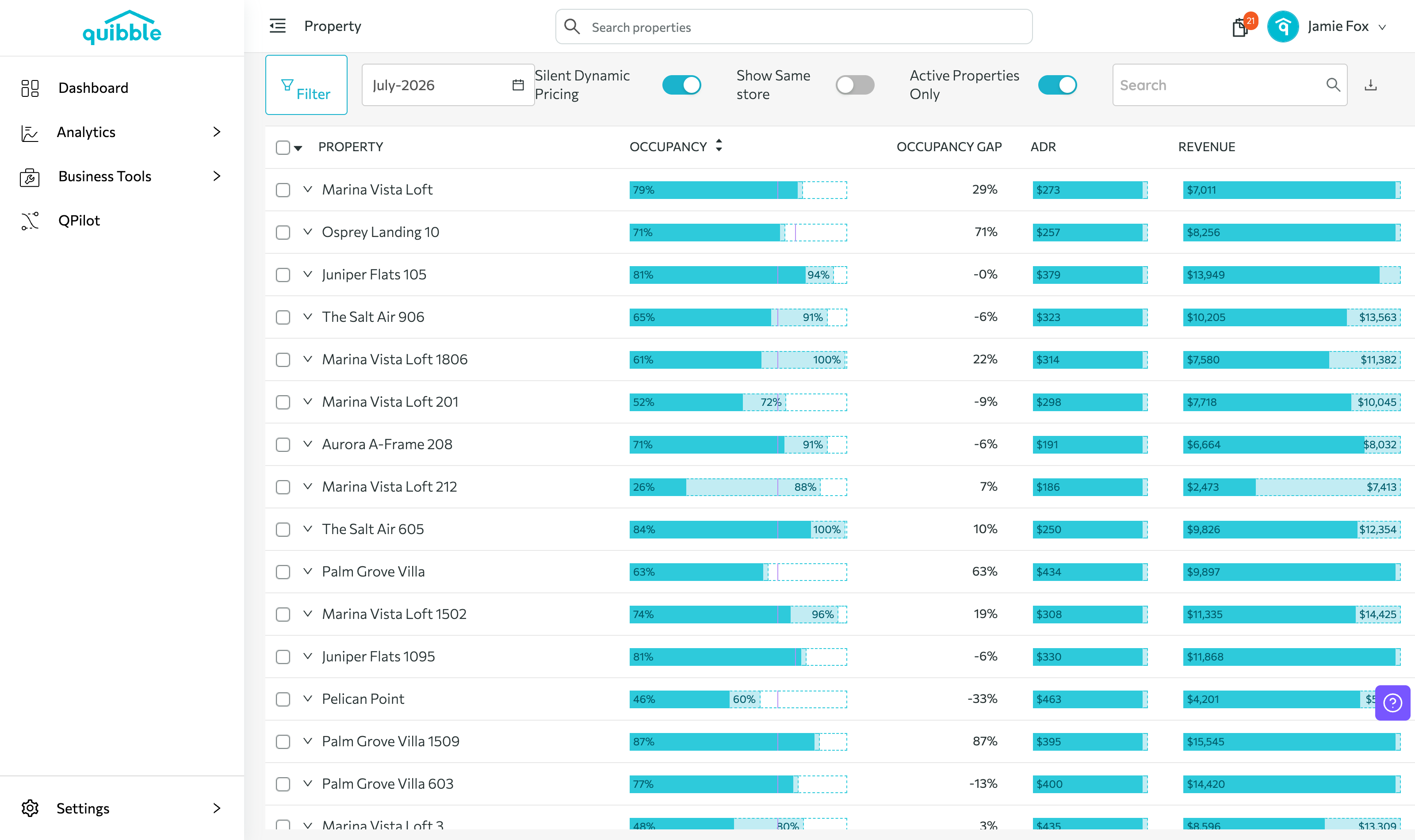
Choose the property to analyze.
4
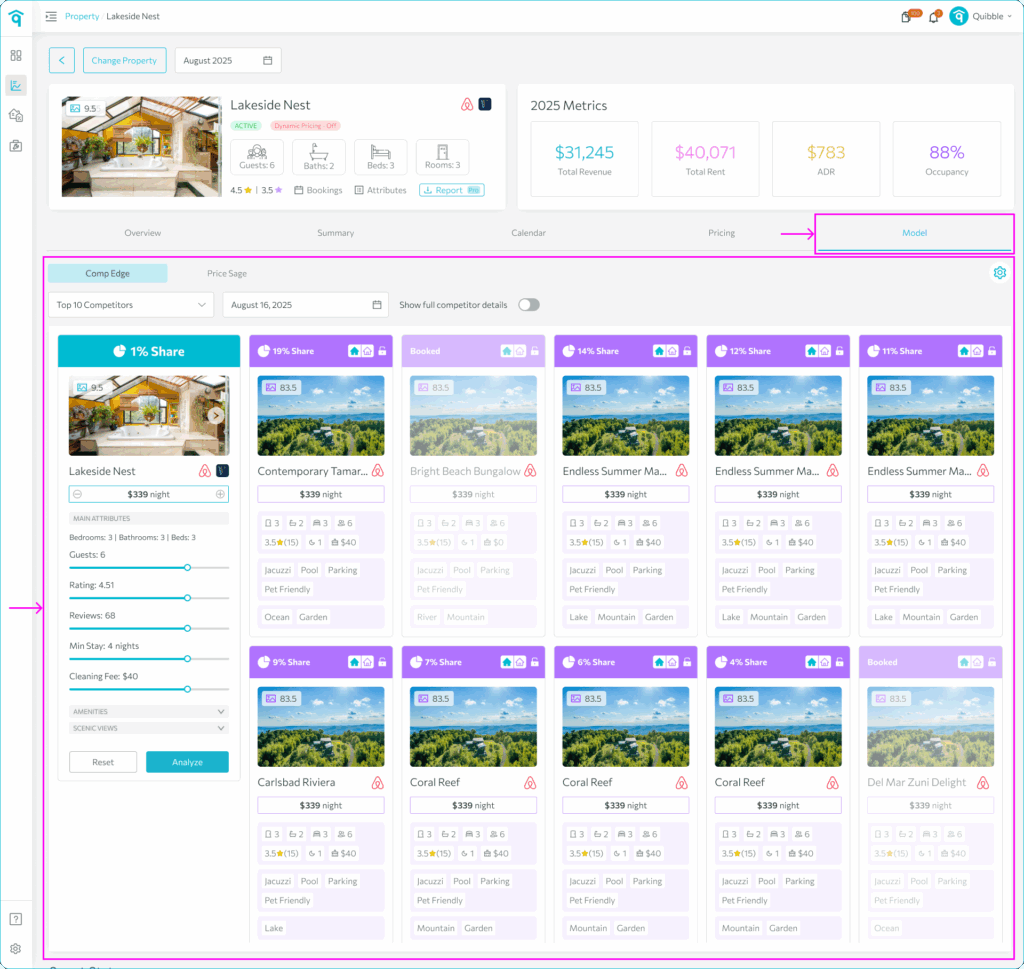
Click Model.
Using the model
1
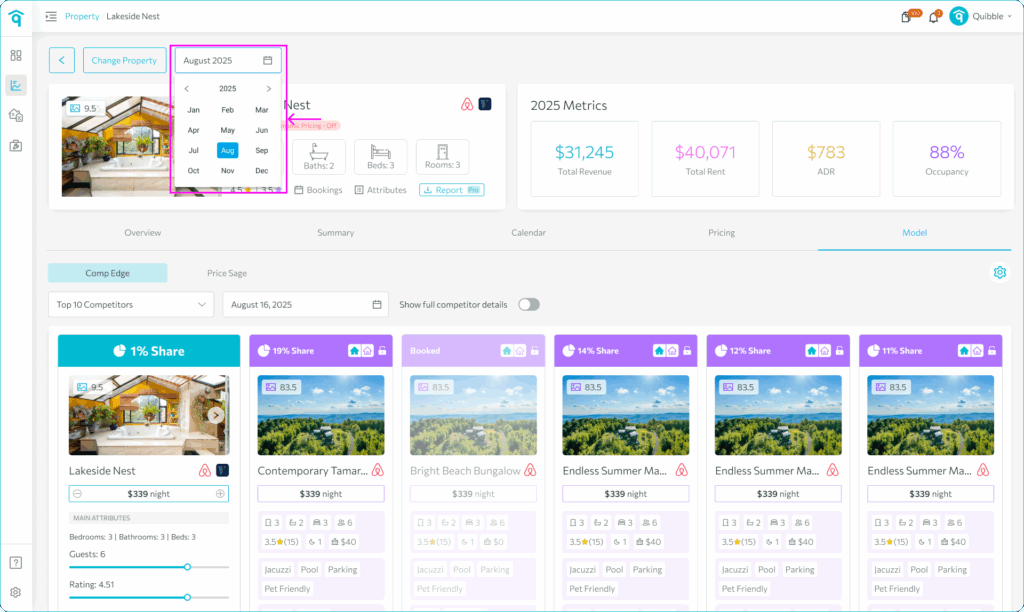
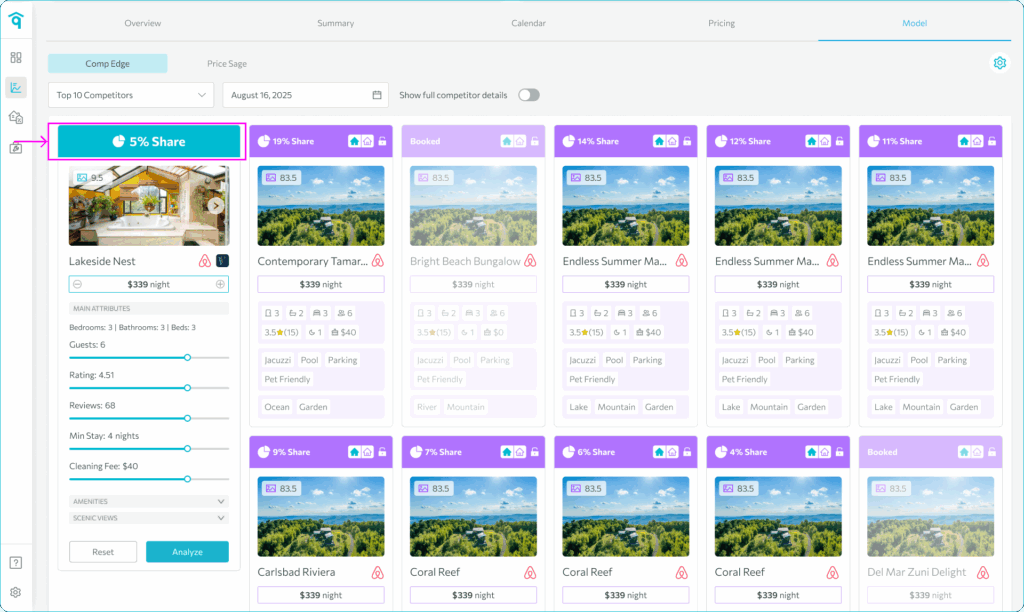
Select a specific date to view competitor data.
2
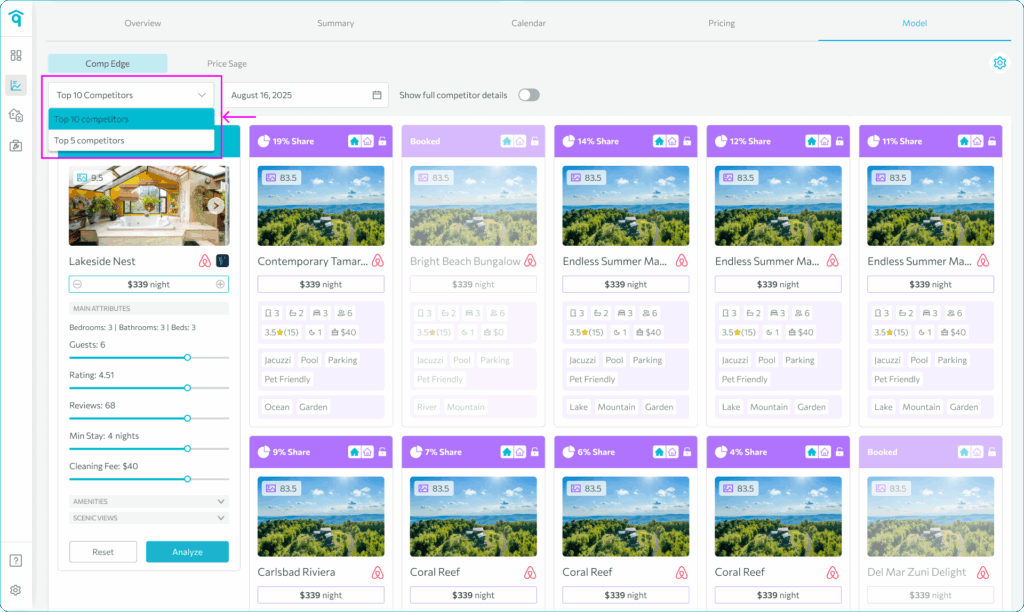
Filter to the Top 10 or Top 5 competitors.
3
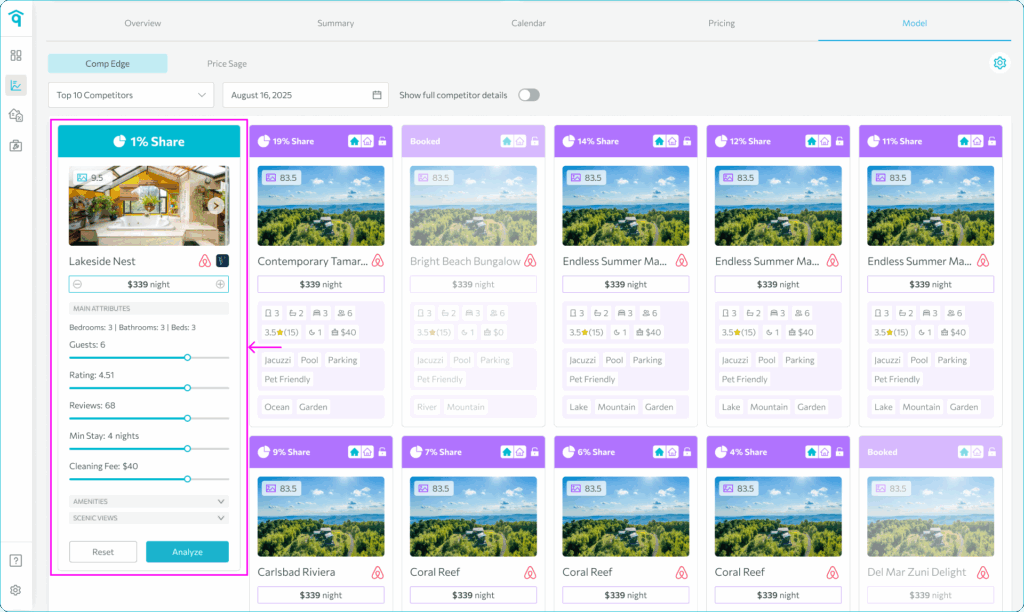
Your listing shows on the left; competitors on the right.
4
Evaluate the details: price, guests, rating, reviews, minimum stay, and amenities.
5
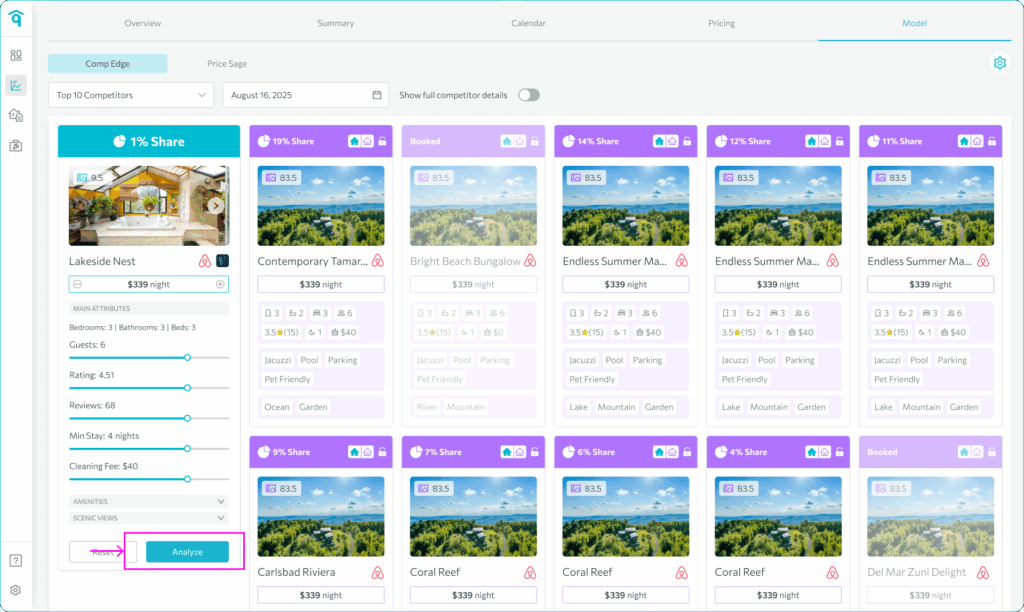
Click Analyze to refresh the view.
6
See your market position alongside the competitors.
Didn’t find what you needed? Contact us.